Reclaim AI Review: The AI Calendar Assistant That Protects Your Focused Work Time
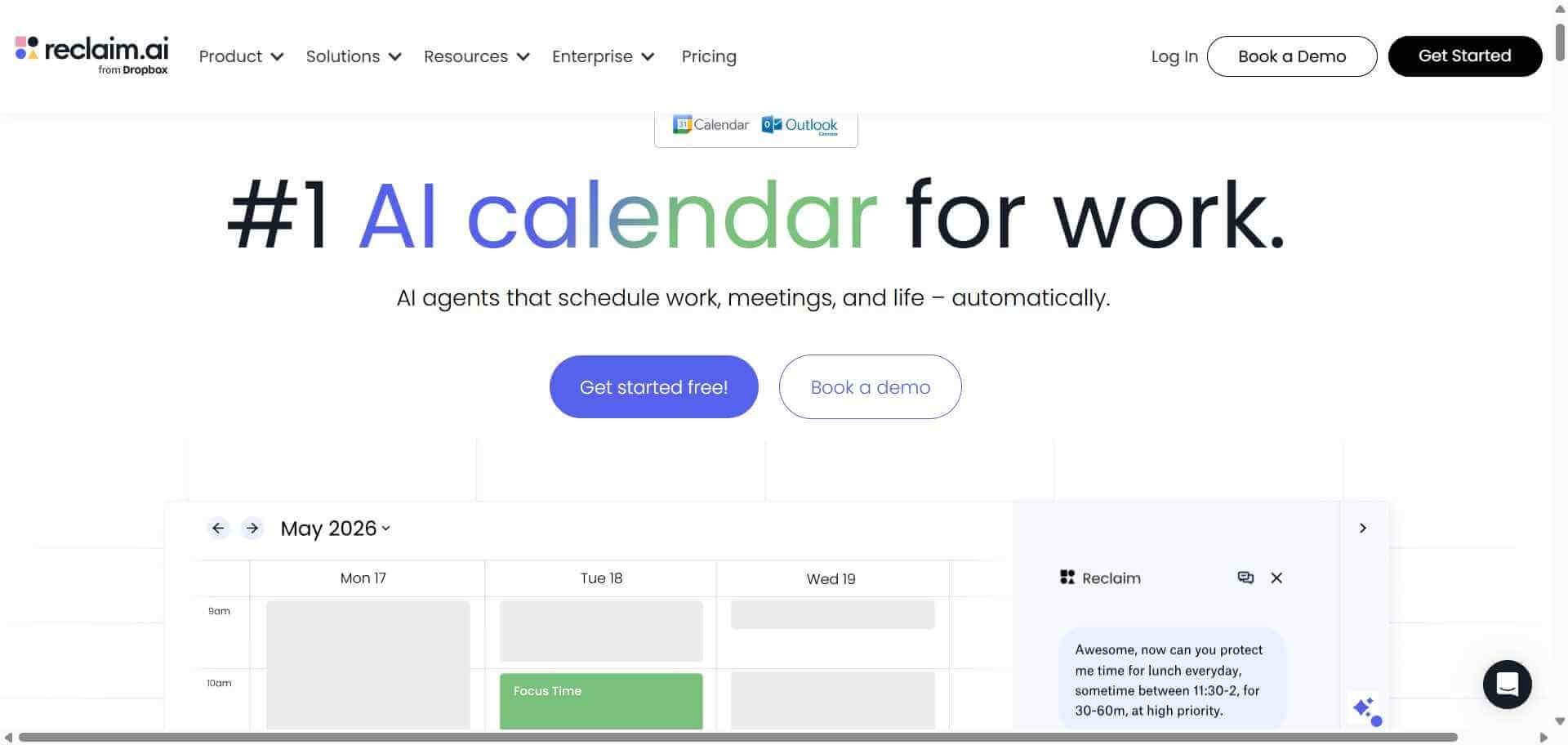
The average knowledge worker spends so much time in meetings that the actual work that moves projects forward gets pushed to evenings and weekends. Reclaim AI attacks this problem directly by acting as an intelligent layer on top of your Google Calendar — automatically finding and protecting time for your tasks, habits, and focused work before meetings fill every available slot. It is the closest thing to having a personal assistant who manages your schedule with an understanding of what your actual priorities are.
Quick Summary
Reclaim AI is an AI-powered calendar scheduling tool that automatically schedules tasks, protects focus time, maintains habits, and optimises meeting times by intelligently managing your Google Calendar around your stated priorities.
Is it worth using? Yes for busy professionals, managers, and individual contributors who regularly lose focused work time to unstructured calendar growth and want AI to protect their most productive hours automatically. Who should use it? Knowledge workers, managers, engineers, and anyone who manages their own calendar and struggles to protect time for deep work alongside a heavy meeting schedule. Who should avoid it? Teams using Microsoft Outlook or other calendar tools outside the Google Calendar ecosystem, which Reclaim does not currently support.
Verdict Summary
Best for
Busy professionals whose calendars fill with meetings faster than they can schedule focused work time
Managers who need to balance team availability for meetings with protected time for their own deep work
Individuals who want to build consistent daily habits but find their calendar leaves no predictable time for them
Not for
Teams using Microsoft Outlook as their primary calendar tool
Users who prefer fully manual calendar control over AI-managed scheduling
Reclaim AI is a Google Calendar AI assistant that adds an intelligent scheduling layer to your existing calendar, automatically finding and booking time for tasks, habits, and focus blocks based on your priorities, working hours, and availability. Rather than requiring you to manually find and block time for important work, Reclaim continuously manages your calendar in the background, protecting the time that matters and adapting when meetings move or priorities change.
Its Smart Meetings feature analyses meeting patterns across your team and schedules meetings at times that minimise disruption to everyone’s focus periods, reducing the fragmentation that kills deep work productivity.
How Reclaim AI Works
Connect your Google Calendar. Reclaim integrates directly with Google Calendar and reads your existing events, working hours, and scheduling preferences.
Add your tasks with priorities and deadlines. Create tasks in Reclaim or connect your task manager — Asana, Linear, Todoist, or ClickUp — and Reclaim automatically finds and schedules time for each task based on its priority and your available calendar space.
Set up your habits. Define recurring activities you want to protect time for — deep work blocks, exercise, learning time, email processing — and Reclaim schedules them automatically each week around your meetings.
Configure your scheduling preferences. Set your working hours, meeting buffer preferences, focus time protection rules, and which times of day you prefer for deep work versus meetings.
Reclaim manages your calendar continuously. As meetings are added, moved, or cancelled, Reclaim automatically reschedules tasks and habits to keep your calendar optimised, notifying you when priorities need manual attention.
Share smart scheduling links. Use Reclaim’s scheduling links for external meetings that automatically find times respecting your focus blocks and preferred meeting hours.
Key Features
Automatic task scheduling finding and booking time based on priority and deadline
Habit scheduling protecting recurring personal and professional routines
Focus time protection automatically blocking deep work time before meetings fill the calendar
Smart Meetings scheduling team meetings at times that minimise focus disruption
Integration with Asana, Linear, Todoist, ClickUp, and other task managers
Scheduling links for external meetings that respect your focus preferences
Buffer time management automatically adding transitions between meetings
Analytics showing how your time is actually spent versus how you want it spent
Real-World Use Cases
Deep work protection: Define three hours of daily focus work as a priority and Reclaim automatically finds and protects that time each day before your calendar fills with meetings.
Task deadline management: Connect your project management tool and let Reclaim schedule realistic time for each task based on its due date and estimated duration, showing you when work will actually get done.
Habit building: Set a daily learning habit of 30 minutes and Reclaim finds a consistent time for it each day, adjusting around meetings rather than letting the calendar crowd it out entirely.
Meeting coordination: Use Smart Meetings to schedule recurring team syncs at times that consistently protect everyone’s focus hours rather than fragmenting the day.
Less useful for teams with fully manual calendar preferences
Scheduling links respect focus time without manual coordination
Calendar analytics features less developed than dedicated time tracking tools
Pricing & Plans
Free — $0/month
3 habits
3 task categories
Basic focus time protection
Scheduling links
Starter — $8/user/month
Unlimited habits and tasks
Smart Meetings
Task manager integrations
Advanced focus protection rules
Business — $12/user/month
All Starter features
Team analytics
Priority support
Advanced scheduling customisation
Enterprise — Custom pricing
All Business features
SSO and security
Dedicated support
Best Alternatives & Comparisons
Motion AI — Similar AI calendar scheduling with a more comprehensive task management layer built in
ClickUp — Better for full project management with calendar integration, less AI-specific scheduling optimisation
Linear — Better for engineering project management, complements Reclaim rather than competing with it
Tldv — Better for meeting recording and intelligence, different productivity focus
Frequently Asked Questions (FAQ)
What is Reclaim AI?
Reclaim AI is an AI-powered calendar scheduling tool that automatically schedules tasks, habits, and focus time in your Google Calendar based on your priorities, protecting productive work time from being consumed by unplanned meetings.
Is Reclaim AI free?
Yes, Reclaim AI offers a free plan with 3 habits, basic task scheduling, and scheduling links. The Starter plan at $8/user/month provides unlimited habits, Smart Meetings, and task manager integrations.
Does Reclaim AI work with Microsoft Outlook?
No, Reclaim AI currently integrates with Google Calendar only. Microsoft Outlook and Office 365 calendar users are not currently supported.
How does Reclaim AI schedule tasks automatically?
You add tasks with priorities and estimated durations, and Reclaim finds available time in your calendar that fits within your defined working hours and focus preferences, booking the task into that slot. When calendar events change, Reclaim reschedules tasks automatically.
What is Smart Meetings in Reclaim AI?
Smart Meetings analyses meeting availability across your team and schedules recurring meetings at times that minimise disruption to everyone’s focus periods, preventing the fragmentation that typically results from meetings scattered throughout the day.
How does Reclaim AI compare to Motion AI?
Both tools automatically schedule tasks in your calendar using AI. Motion AI includes a more comprehensive built-in task manager. Reclaim AI integrates more deeply with external task managers like Asana and Linear. Choose Reclaim if you already use a dedicated task manager; consider Motion if you want task management built into the scheduling tool.
Final Recommendation
Reclaim AI delivers on a promise that calendar apps have never fulfilled: automatically protecting the time you need for real work before meetings consume it. The focus time protection and task scheduling features produce a meaningfully different calendar experience for anyone whose days disappear into back-to-back meetings. The free plan provides enough to experience the core benefit immediately, and the Starter plan at $8/user/month is one of the best productivity investments available for knowledge workers.