Shortwave Review: The AI Gmail Client That Brings Intelligent Organisation to Your Inbox
Gmail’s default organisation is chronological and flat — every email arrives in the same stream regardless of importance, sender relationship, or required action. Shortwave rethinks this by automatically bundling related emails, surfacing AI summaries so you understand what each thread is about before opening it, and providing an AI assistant that can search your email history and draft responses without switching contexts. For Gmail-dependent professionals who want more intelligence in their inbox without switching to a premium client like Superhuman, Shortwave is the most capable free or low-cost alternative.
Quick Summary
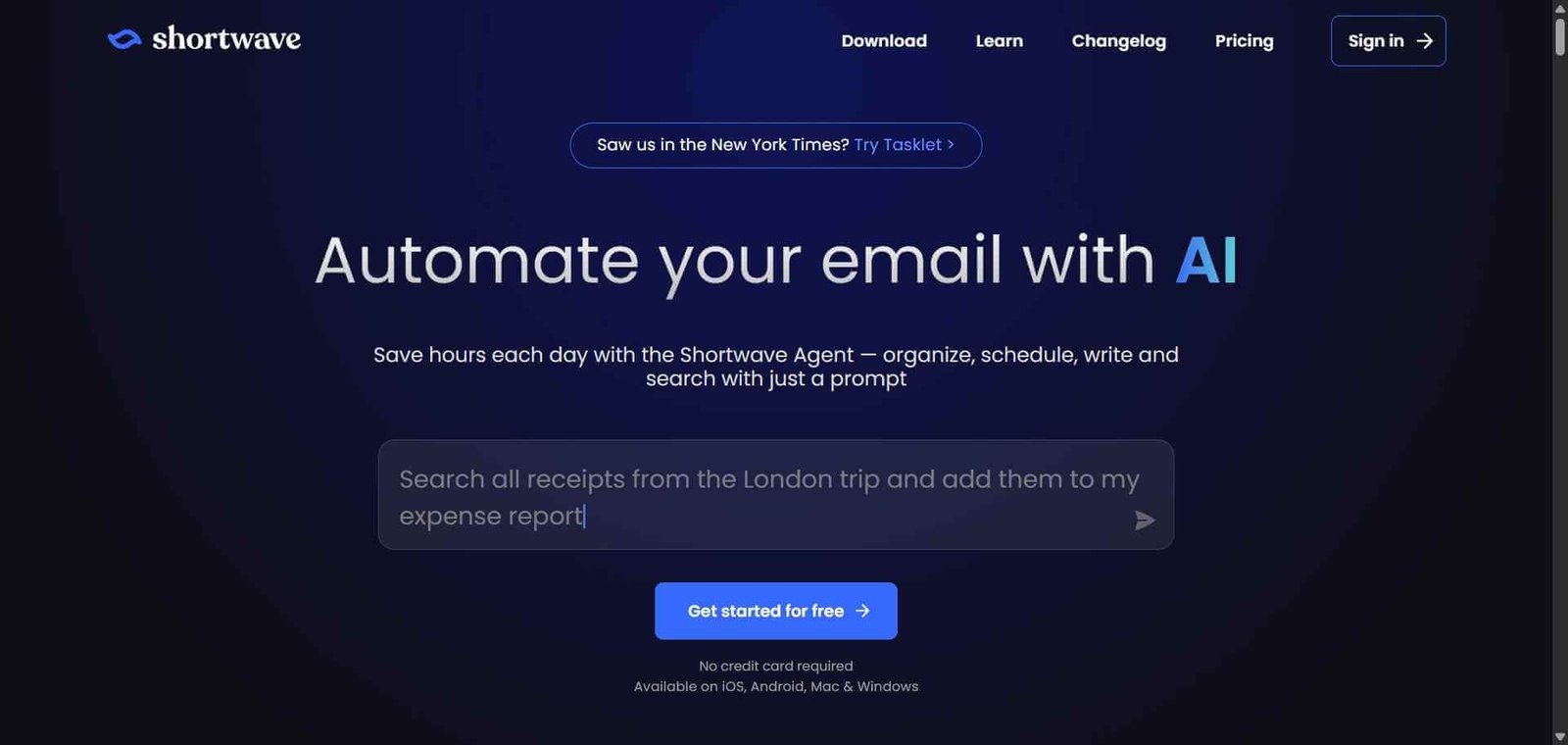
Shortwave is an AI-powered Gmail client that replaces the standard Gmail interface with automatic email bundling, AI-generated thread summaries, an AI assistant for email search and drafting, and a streamlined interface focused on faster inbox processing.
Is it worth using? Yes for Gmail-dependent professionals who want intelligent email organisation and AI assistance without paying for Superhuman, or as a solid step up from the default Gmail interface. Who should use it? Professionals who use Gmail as their primary email client and want AI-powered organisation, summaries, and assistance to process their inbox faster without a premium subscription. Who should avoid it? Users on Microsoft Outlook or other non-Gmail email providers, as Shortwave currently supports Gmail only.
Verdict Summary
Best for
Gmail users who want AI email organisation and summaries without the $30/month cost of Superhuman
Professionals with high email volume who want thread bundling and AI summaries to prioritise inbox processing
Teams looking for a capable AI Gmail upgrade that includes an AI assistant for email search and composition
Not for
Outlook or non-Gmail email users
Users who prefer the standard Gmail interface and chronological email flow
Heavy power users who need Superhuman’s keyboard-first performance optimisations
Rating ⭐⭐⭐⭐ 4.2 / 5
What Is Shortwave?
Shortwave is an AI-powered email client built exclusively for Gmail that replaces the standard web interface with a faster, more intelligently organised experience. It was developed by former Google employees who wanted to bring modern AI capabilities to the Gmail experience without waiting for Google to build them natively.
Its core email organisation approach groups related messages into smart bundles — newsletters together, notifications together, conversations from your team together — so your inbox reflects the structure of your communication relationships rather than the random arrival order of messages. The AI assistant layer adds natural language email search, thread summarisation, and AI-generated draft replies built directly into the interface.
How Shortwave Works
Connect your Gmail account at shortwave.com. Shortwave integrates with Gmail through a browser app and desktop applications for Mac and Windows. Your emails remain in Gmail — Shortwave is an interface layer.
Review your bundled inbox. Shortwave automatically categorises your emails into bundles — Personal, Newsletters, Notifications, Receipts, and custom categories you define — reducing the visual noise of a flat email list.
Read AI summaries before opening emails. Hover over or preview any email thread to see an AI-generated summary of the conversation without opening it, helping you triage quickly.
Use the AI assistant for search and drafting. Ask the Shortwave AI assistant questions about your email history — “What did Sarah say about the contract last month?” — or request draft emails based on brief instructions.
Process with keyboard shortcuts. Use keyboard shortcuts to archive, snooze, star, and move emails quickly without mouse navigation.
Track important threads. Pin and follow important conversations to surface them consistently without depending on search.
Key Features
Automatic email bundling grouping related messages by category and sender type
AI-generated thread summaries without opening each email
AI assistant for natural language email search across full email history
AI draft generation from brief instructions or bullet points
Keyboard shortcuts for efficient inbox processing
Scheduled send and snooze for managing follow-up timing
Desktop apps for Mac and Windows alongside web access
Team features for shared email management on higher plan tiers
Real-World Use Cases
Daily inbox triage: Use bundle organisation and AI summaries to process a 100-email inbox in 20 minutes by understanding each thread before opening it and moving through categories systematically.
Email history search: Ask the AI assistant to find specific information from past email conversations without remembering exact keywords or scrolling through months of messages manually.
Draft reply acceleration: Provide bullet points of what you want to say and have the AI generate a polished reply that you edit and send, reducing composition time on routine professional emails.
Newsletter and notification management: Let Shortwave separate newsletter and notification emails from real conversations automatically, so personal and professional communication is always the first thing you see.
Less performance-optimised than Superhuman for power keyboard users
AI assistant email search is more useful than standard Gmail search
Team features on paid plans only
More affordable than Superhuman for similar AI email capabilities
AI draft quality requires editing for nuanced professional communications
Desktop apps available for Mac and Windows alongside web
Some bundle categorisation requires manual correction initially
Pricing & Plans
Free — $0/month
Core bundling and organisation
Basic AI summaries
Single Gmail account
Web access
Personal — $9/month
Full AI assistant features
Unlimited AI summaries
AI draft generation
Desktop apps
Priority processing
Teams — $12/user/month
All Personal features
Shared inbox features
Team analytics
Admin controls
Best Alternatives & Comparisons
Superhuman — More powerful keyboard-first performance optimisation and read receipts, significantly higher cost at $30/month
SaneBox AI — Better for email filtering within your existing Gmail interface without changing the client
Reclaim AI — Better for calendar and task scheduling to protect time from email, complements Shortwave
Beehiiv — Not an email client comparison, but for newsletter publishing rather than inbox management
Frequently Asked Questions (FAQ)
What is Shortwave?
Shortwave is an AI-powered Gmail client that replaces the standard Gmail interface with automatic email bundling, AI-generated thread summaries, an AI assistant for search and drafting, and keyboard shortcuts for faster inbox processing.
Is Shortwave free?
Yes, Shortwave offers a free plan with core bundling and basic AI summaries. The Personal plan at $9/month adds full AI assistant features, unlimited summaries, and AI draft generation.
Does Shortwave work with Outlook?
No, Shortwave currently supports Gmail and Google Workspace accounts only. Outlook and other email providers are not supported.
How does Shortwave's AI assistant help with email?
The Shortwave AI assistant allows natural language questions about your email history — finding specific information from past conversations — and can generate draft email responses from brief instructions, all from within the email interface.
How does Shortwave compare to Superhuman?
Shortwave is more affordable at $9/month versus Superhuman’s $30/month. Superhuman offers a more refined keyboard-first performance experience and read receipt tracking. Shortwave is the better value option for most Gmail users; Superhuman is worth the premium for very high-volume users for whom every second of email processing matters.
Does Shortwave replace Gmail?
Shortwave is an interface layer on top of your Gmail account — your emails remain stored in Gmail and you can still access them through the standard Gmail interface. Shortwave replaces the daily interface without replacing the underlying Gmail infrastructure.
Final Recommendation
Shortwave is the most compelling AI Gmail upgrade available for professionals who want intelligent inbox organisation and AI assistance without committing to Superhuman’s premium pricing. The bundle organisation and AI summaries alone produce a meaningfully better daily email experience compared to standard Gmail, and the AI assistant adds genuine utility for email search and drafting. The free plan covers enough features to evaluate whether the organisational approach works for your inbox before upgrading to Personal.