Khroma Review: The AI Color Tool That Personalizes Every Palette to Your Taste
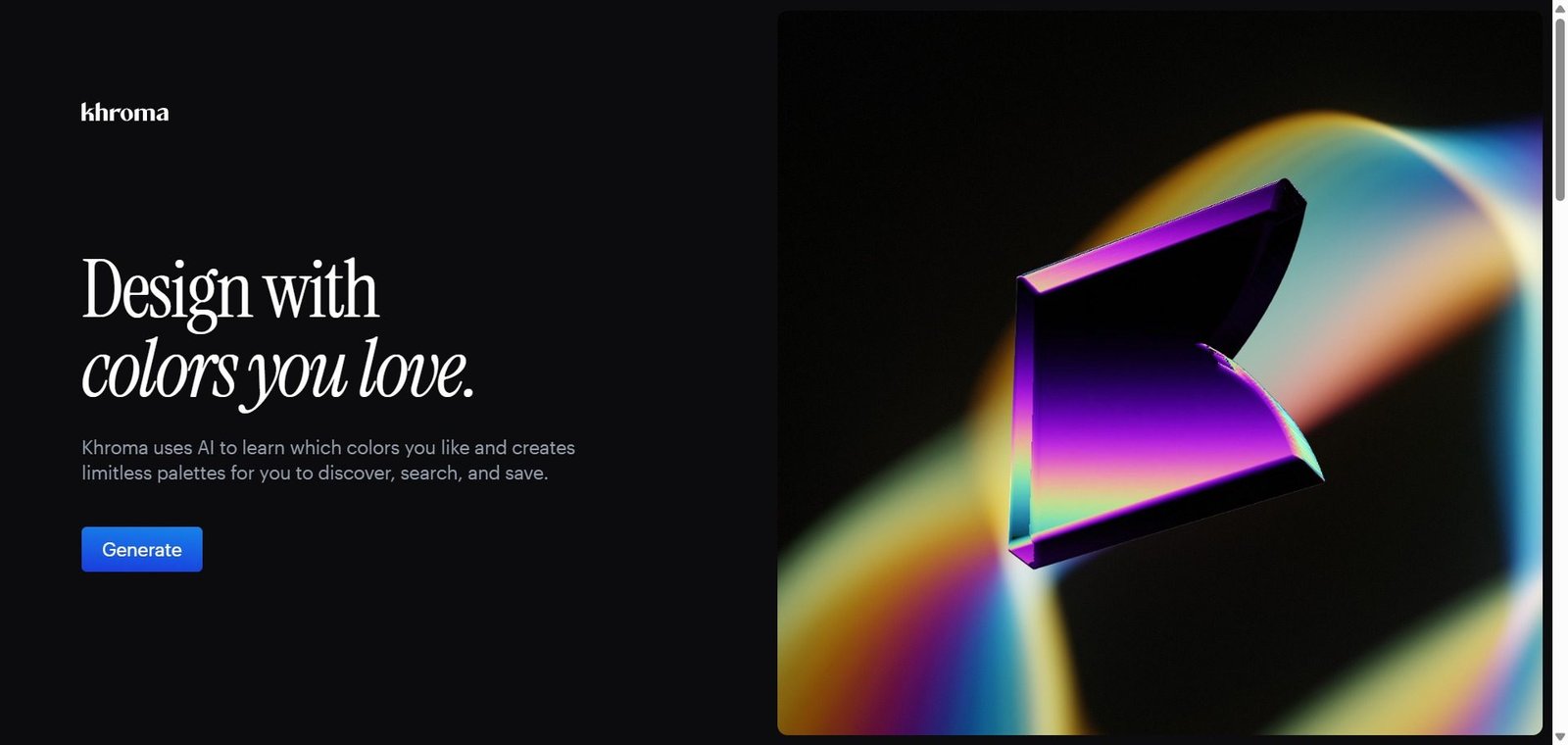
Color selection is one of the most subjective and time-consuming parts of the design process. Browsing generic palette libraries produces the same combinations every designer has already seen. Khroma takes a different approach — it learns your personal color preferences by asking you to select 50 colors you love from a broad set, then trains a personal AI model on your choices that generates color palettes, gradients, typography combinations, and images tailored specifically to your aesthetic. The result is a color exploration tool that feels genuinely personal rather than generically curated.
Quick Summary
Khroma is a free AI-powered color palette generator that trains on your personal color preferences to generate infinite personalized palette, gradient, and typography color combinations for designers and creatives.
Is it worth using? Yes for designers, brand creators, and UI/UX professionals who want a color exploration tool that reflects their own aesthetic rather than generic pre-made palettes. Who should use it? Graphic designers, UI/UX designers, brand designers, web designers, and any creative professional who wants AI-personalized color exploration that goes beyond standard color library browsing. Who should avoid it? Teams needing strict brand color management systems or enterprises requiring color token generation and design system integration.
Verdict Summary
Best for
Designers who spend too much time searching color libraries for combinations that fit their aesthetic and want a personalized alternative
Brand designers exploring color directions for new projects who want AI to generate options that reflect their taste rather than trends
UI/UX designers who want to quickly explore color combinations for interfaces without manually testing every option
Not for
Teams needing formal design system color token management
Non-designers who need simple color pickers without the personalization training step
Projects requiring strict accessibility color contrast checking as the primary need
Rating ⭐⭐⭐⭐ 4.2 / 5
What Is Khroma?
Khroma is an AI color tool built by designer George Hastings that learns your personal color preferences through a simple training process — you select 50 colors you find appealing from a broad set — then uses that training to generate color combinations in four formats: palette (color swatches), gradient (smooth color transitions), typography (colors applied to text and background combinations), and image (colors applied to image overlays). Every generated combination reflects your trained preferences rather than generic trending palettes.
The AI model is personal to each user — two designers training on different color selections will see entirely different results, making Khroma one of the few design tools that genuinely personalizes its output to each individual.
How Khroma Works
Train your personal AI. On first visit, select 50 colors from a diverse set that appeal to you. Your selections train a personal AI model that runs in your browser.
Explore generated combinations. Khroma generates color combinations across four views — palette, gradient, typography, and image — all derived from your trained preferences.
Favourite combinations. Save combinations you love by clicking the heart icon, building a personal library of colors that work for you.
Search by color properties. Filter generated combinations by hue, tint, value, or temperature to narrow results toward the specific color direction you need.
Use in your projects. Copy hex values, RGB values, or CSS gradient code directly from any combination for use in your design tools or code.
Retrain at any time. If your preferences evolve or you want to explore a different direction, retrain your AI model with a new set of selections.
Key Features
Personal AI model trained on individual color preferences — not shared or generic
Four output formats — palette, gradient, typography, and image combinations
Infinite generation — the AI produces new combinations continuously rather than a fixed library
Color property search for filtering by hue, tint, value, and temperature
Favourites system for saving preferred combinations
Hex, RGB, and CSS output for direct use in design and development tools
Browser-based — no installation, no account required
Free to use with no subscription required
Real-World Use Cases
Brand color exploration: A brand designer uses Khroma to explore color directions for a new client brand — generating dozens of palette combinations that match their trained aesthetic before narrowing down to three directions for client presentation.
UI color system: A UI designer uses Khroma’s typography view to explore background and text color combinations for a new application interface, finding combinations that feel right before formalizing them in their design system.
Gradient design: A web designer uses Khroma’s gradient view to find gradient combinations for a hero section background — getting personalized options that match their design style rather than browsing generic gradient libraries.
Creative exploration: An illustrator uses Khroma to find unexpected color combinations for a new illustration series — the AI occasionally surfaces surprising combinations that spark creative directions they would not have chosen manually.
Genuinely personalized output based on individual taste, not generic trends
No formal accessibility contrast checking built in
Completely free — no subscription, no account required
No design system export or color token generation
Infinite generation prevents the repetition of fixed palette libraries
Training on 50 colors requires time upfront before useful output appears
Four output formats cover different design use cases
Browser-only with no plugin for Figma or other design tools
Fast and lightweight — runs entirely in the browser
No team sharing or collaborative palette management
Pricing & Plans
Free — $0
Full access to all features
Unlimited generation
Personal AI model
No account required
Best Alternatives & Comparisons
Coolors — Better for quick random palette generation and palette sharing, less personalized
Adobe Color — Better for color theory-based palette creation and Adobe ecosystem integration
Canva AI — Better for applying colors within a complete design tool, not a dedicated color explorer
Realtime Colors — Better for previewing color palettes applied to a live website UI mockup
Frequently Asked Questions (FAQ)
What is Khroma?
Khroma is a free AI color palette generator that trains on your personal color preferences to generate infinite personalized palette, gradient, typography, and image color combinations.
Is Khroma free?
Yes, Khroma is completely free with no subscription, no account creation, and no feature limitations.
How does Khroma's AI learn your preferences?
You select 50 colors from a diverse set on your first visit. Khroma trains a personal neural network on your selections that runs in your browser and generates all future color combinations based on the patterns it learned from your choices.
Does Khroma work with Figma?
Khroma does not have a native Figma plugin. You copy hex or RGB values from Khroma and paste them into Figma or other design tools manually.
How often does Khroma generate new combinations?
Khroma generates combinations continuously — each time you interact with the interface, new combinations are generated. The AI produces infinite variations rather than a fixed library.
How does Khroma compare to Coolors?
Khroma generates personalized combinations based on your trained preferences. Coolors generates random palettes with manual adjustment. Khroma is better for finding combinations that match your aesthetic; Coolors for quick random palette generation and palette sharing with others.
Final Recommendation
Khroma is the most uniquely personal color exploration tool available — and the fact that it is entirely free makes it an immediate addition to any designer’s toolkit. The personalized AI model produces color combinations that genuinely reflect individual taste rather than algorithmic trends, and the four output formats cover the most common design color contexts. For any designer who has grown frustrated with generic color library browsing, spending five minutes training Khroma’s AI delivers a color exploration experience that feels meaningfully different.