Build complex automations visually — with AI modules that add intelligence to every workflow.
Zapier handles simple trigger-action automation well. Make handles the automations that Zapier cannot — multi-branch logic, data transformation, error handling, iterating over arrays, conditional routing, and the kind of complexity that real business processes actually have. Its node-based visual canvas lets builders construct workflow logic that is genuinely sophisticated without writing code, and its AI modules — connecting to OpenAI, Anthropic Claude, and other models — add intelligent processing to any step in any automation, enabling workflows that do not just move data between apps but actually think about what to do with it.
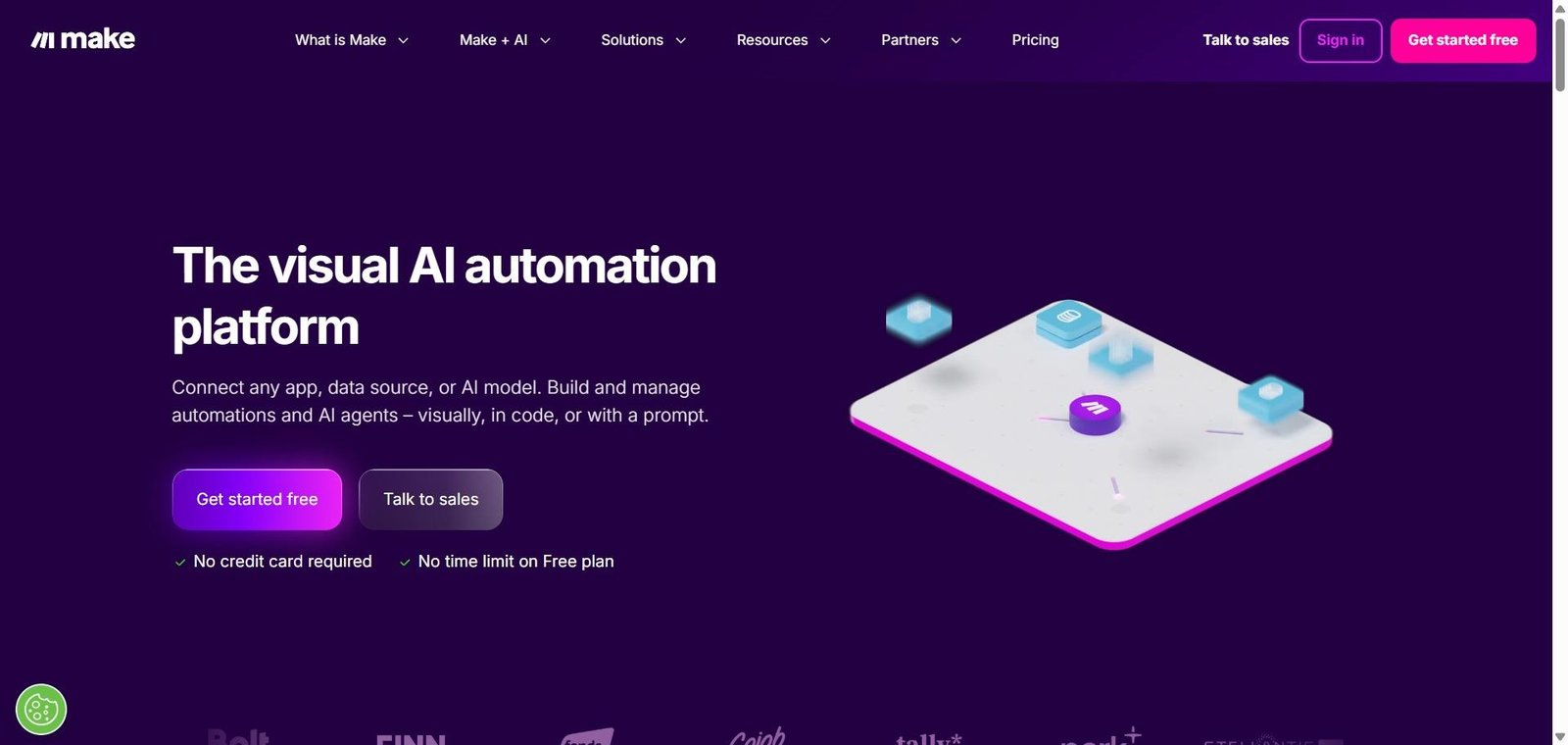
Make is an AI-powered visual automation platform with a node-based canvas for building complex multi-app workflows — with built-in AI modules for OpenAI, Claude, and other models that add intelligent content generation, classification, and decision-making to any automation.
Is it worth using? Yes for power users, agencies, operations teams, and developers who need sophisticated automation with data transformation and AI intelligence that simpler tools cannot provide.
Who should use it? Automation builders, no-code developers, agencies, and operations teams who need complex multi-step workflows with conditional logic, data transformation, and AI processing built into their automations.
Who should avoid it? Simple users whose automation needs are met by Zapier’s more accessible interface, or pure developers who prefer code-based automation frameworks.
Best for
Not for
Rating
⭐⭐⭐⭐½ 4.6 / 5
Make (formerly Integromat) is a visual automation platform built around a node-based canvas where each circle represents an app module or action — connected by routes that define how data flows between them. Unlike Zapier’s linear trigger-then-action model, Make’s canvas supports branching routes, iterators that process lists of items, aggregators that combine data, filters that route data conditionally, and error handlers that define what happens when steps fail — enabling automation of genuinely complex real-world workflows.
Its AI modules provide first-class integration with OpenAI (for GPT-4 and DALL-E), Anthropic (for Claude), Google AI, and other models — allowing any automation to call an AI model, pass it data, and use the AI’s response in subsequent automation steps. This means automations can classify incoming data, generate personalised content, summarise documents, and make AI-informed decisions as integral parts of the workflow.
| Pros | Cons |
|---|---|
| Most powerful visual automation platform for complex workflow logic | Steeper learning curve than Zapier for non-technical users |
| AI modules integrate intelligence directly into automation steps | Interface complexity can be overwhelming for simple use cases |
| Data transformation capability handles real-world data complexity | Debugging complex scenarios requires patience and technical thinking |
| Generous free plan covers meaningful automation use cases | App library smaller than Zapier’s 6,000 plus integrations |
| Operations pricing is more affordable than Zapier at high task volumes | Error handling setup requires understanding of Make’s execution model |
Make is an AI-powered visual automation platform with a node-based canvas for building complex multi-app workflows — with built-in AI modules for OpenAI, Claude, and other models that add intelligent processing to any automation.
Yes, Make offers a free plan with 1,000 monthly operations and 2 active scenarios. The Core plan at $9/month provides 10,000 operations with unlimited scenarios.
Make includes built-in modules for OpenAI, Anthropic Claude, Google AI, and other models — allowing any automation to call an AI model, pass it data, and use the response in subsequent steps for classification, generation, summarisation, and intelligent decision-making.
Make handles more complex workflows with branching logic, data transformation, and error handling. Zapier is more accessible for simple trigger-action automation and has a larger app integration library. Make is better for power users and agencies building sophisticated automations; Zapier for non-technical users needing quick simple integrations.
An operation is a single step execution in a Make scenario — each module that processes data counts as one operation. The operation count determines which plan tier is needed based on total workflow execution volume.
Yes, Make’s AI modules allow any workflow to include AI processing steps — calling OpenAI or Claude with data from previous steps and using the AI response to inform subsequent actions, making AI intelligence a native part of any automation.
Make is the most powerful visual automation platform available for builders who need to automate processes that have real complexity — branching logic, data transformation, error handling, and AI-informed decision-making. The AI modules make it straightforward to add intelligence to any automation step, and the pricing remains accessible even at significant operation volumes. For any automation builder who has hit the ceiling of what Zapier can handle, Make provides the capability headroom that complex real-world workflows require.
Next steps