itirupati.com AI Tools

Sourcegraph Cody

AI coding assistant that understands your entire codebase — not just the file you have open.

Sourcegraph Cody Review: The AI Coding Assistant Built for Teams With Complex, Large-Scale Codebases

Most AI coding assistants see what is in the file you have open — occasionally the files in your current project. Cody is the AI layer on top of a system specifically engineered to understand large codebases. In a sprawling codebase spread across dozens or hundreds of repositories, the hardest part of writing correct code is not generating syntax — it is knowing how the rest of the system works. Cody solves this by combining Sourcegraph’s battle-tested code search with AI — giving developers an assistant that can reason about how services fit together rather than guessing from local context.

Quick Summary

Sourcegraph Cody is an advanced AI coding assistant that leverages large language models and Sourcegraph’s code graph to provide context-aware assistance — offering code autocomplete, chat-based code explanations, and custom commands, integrating with popular IDEs using codebase-specific context to deliver more accurate and relevant suggestions.

Is it worth using? Yes for large engineering teams and companies dealing with complex code — it helps human developers and AI coding agents easily understand, update, and secure big codebases.
Who should use it? Platform and infrastructure teams, large engineering organisations, and enterprises working on complex interconnected codebases spanning multiple repositories.
Who should avoid it? Individual developers on smaller projects where GitHub Copilot or Cursor provide sufficient context without enterprise infrastructure overhead.

Verdict Summary

Best for

  • Large enterprise codebases requiring multi-repository understanding — multi-repo context is irreplaceable for platform and infrastructure teams maintaining complex interconnected systems 
  • Engineering teams whose hardest problems involve understanding how changes in one service affect others — Cody can reason across repository boundaries that file-level tools cannot cross
  • Organisations onboarding new developers to large complex codebases — Cody’s codebase-wide understanding compresses the ramp-up time that previously required months of senior developer time

Not for

  • Individual developers on straightforward projects where Cursor or GitHub Copilot’s project-level context is sufficient
  • Teams prioritising zero-cost entry level tools — Cody is squarely an enterprise product in 2026 after Sourcegraph retired free and Pro tiers 
  • Teams whose primary need is strongest agent-mode automation rather than codebase intelligence

Rating
⭐⭐⭐⭐ 4.3 / 5

What Is Sourcegraph Cody?

Cody’s history matters — Sourcegraph built its reputation on code search and code intelligence long before the current wave of AI coding tools. Cody is an AI layer on top of a system specifically engineered to understand large codebases — not a model wrapper that happens to see your open file. 

The combination matters: AI suggestions are only as good as the context fed to them, and Sourcegraph’s search is a proven engine for finding the right code across an enormous codebase. For a developer working on a change that touches several services, Cody can reason about how those pieces fit together rather than guessing.

How Sourcegraph Cody Works

  • Index your entire codebase. Sourcegraph indexes all connected repositories — public and private — building a complete code graph that Cody uses as its context source.
  • Ask questions across repositories. Ask Cody questions that span multiple codebases — “how does the auth service validate tokens across all our microservices?” — receiving answers grounded in the actual code rather than assumptions.
  • Get context-aware autocomplete. As you type, Cody provides inline code completions informed by patterns and conventions found across the entire indexed codebase — not just local file patterns.
  • Use chat for code explanations. Open the chat interface to request explanations of unfamiliar code, generate documentation, debug errors, or get suggestions for refactoring — with full codebase context available in responses.
  • Run batch changes. Cody Enterprise includes batch changes for making large-scale code modifications across repositories simultaneously. 
  • Monitor with code insights. Code insights provide trend visibility across the codebase — tracking adoption of patterns, identifying security issues, and monitoring technical debt at scale.

Key Features

  • Multi-repository code intelligence understanding context across dozens or hundreds of repos simultaneously
  • Code autocomplete with codebase-specific context beyond local file patterns
  • Chat interface for code explanation, documentation, debugging, and refactoring
  • Cody Enterprise: batch changes for large-scale code modifications, code insights for trend analysis, admin controls and usage analytics, SSO and audit logs 
  • Integrations with VS Code and JetBrains IDEs
  • Support for both public and private repositories when paired with Sourcegraph instance
  • Test generation and refactoring assistance
  • Dedicated onboarding and enterprise SLA on Enterprise plans

Real-World Use Cases

  • Multi-service architecture understanding: A developer working on a change that touches several services uses Cody to reason about how those pieces fit together — getting accurate answers about cross-service dependencies rather than grepping through dozens of repos manually.
  • New developer onboarding: An engineering org uses Cody to compress new developer ramp-up time — new team members query Cody about codebase conventions, understand unfamiliar services, and navigate the codebase faster than months of shadowing could achieve.
  • Large-scale refactoring: A platform team uses Cody Enterprise’s batch changes to apply a consistent pattern change across 50 repositories simultaneously — a task that previously required weeks of coordinated manual PRs across multiple teams.
  • Security and compliance scanning: An engineering team uses Cody’s code insights to monitor for deprecated API usage and known vulnerability patterns across the entire codebase — getting proactive visibility rather than discovering issues at review time.

Pros and Cons

ProsCons
Multi-repository codebase understanding is genuinely differentiated from file-level toolsStarting at $59/user/month after retiring free and Pro tiers — enterprise-only pricing in 2026 
Code search integration provides proven context retrieval across enormous codebasesUneven adoption in organisations — some teams integrate deeply while others ignore it entirely 
Batch changes enable large-scale consistent modifications across repositoriesLess suited to individual developers on small projects where simpler tools provide sufficient context
Code insights provide portfolio-level visibility into codebase health and trendsStrongest agent-mode automation belongs to Cursor AI — Cody excels at codebase intelligence rather than autonomous task execution 
Enterprise security with SSO, audit logs, and admin controlsRequires Sourcegraph instance deployment for full enterprise capabilities

Pricing & Plans

Sourcegraph Cody has 3 pricing plans. Free (for individual developers evaluating the tool), Pro at $9/user/month, and Enterprise at $19/user/month. Note: Sourcegraph retired Cody Free and Pro for new users in July 2025, pivoting to a pure enterprise product starting at $59/user/month — verify current availability at sourcegraph.com. at sourcegraph.com for current enterprise pricing and deployment options.

Best Alternatives & Comparisons

  • GitHub Copilot — Better for deep GitHub integration and individual developer productivity, less multi-repo codebase intelligence
  • Cursor — Better for strongest agent-mode task automation, less codebase-wide context
  • Windsurf — Better for accessible AI code editor with strong autocomplete at lower pricing
  • Tabnine — Better for privacy-first self-hosted AI code completion, less codebase intelligence depth

Frequently Asked Questions (FAQ)

What is Sourcegraph Cody?

Sourcegraph Cody is an advanced AI coding assistant that leverages large language models and Sourcegraph’s code graph to provide context-aware assistance — offering code autocomplete, chat explanations, and codebase-wide understanding for enterprise development teams.

What makes Cody different from GitHub Copilot or Cursor?

Cody is built on Sourcegraph’s code intelligence platform — engineered to understand large codebases across multiple repositories. GitHub Copilot and Cursor operate primarily at the file and project level. For sprawling codebases where the hardest problems involve cross-service dependencies, Cody’s multi-repo context is the key differentiator.

What IDEs does Cody support?

Cody integrates with VS Code and JetBrains IDEs.

Does Cody work with private repositories?

Cody works with both public and private repositories, especially when paired with a Sourcegraph instance.

What are batch changes in Cody Enterprise?

Batch changes allow large-scale code modifications across multiple repositories simultaneously — applying consistent changes like API migrations, dependency updates, or pattern standardisation across dozens of repos in one operation.

How does Cody compare to GitHub Copilot for enterprise?

For large enterprise codebases with multi-repo, cross-service architecture, Sourcegraph Cody Enterprise is the recommended choice — multi-repo understanding is irreplaceable. For deep GitHub integration and native PR and Issue workflows, GitHub Copilot is the better fit.

Final Recommendation

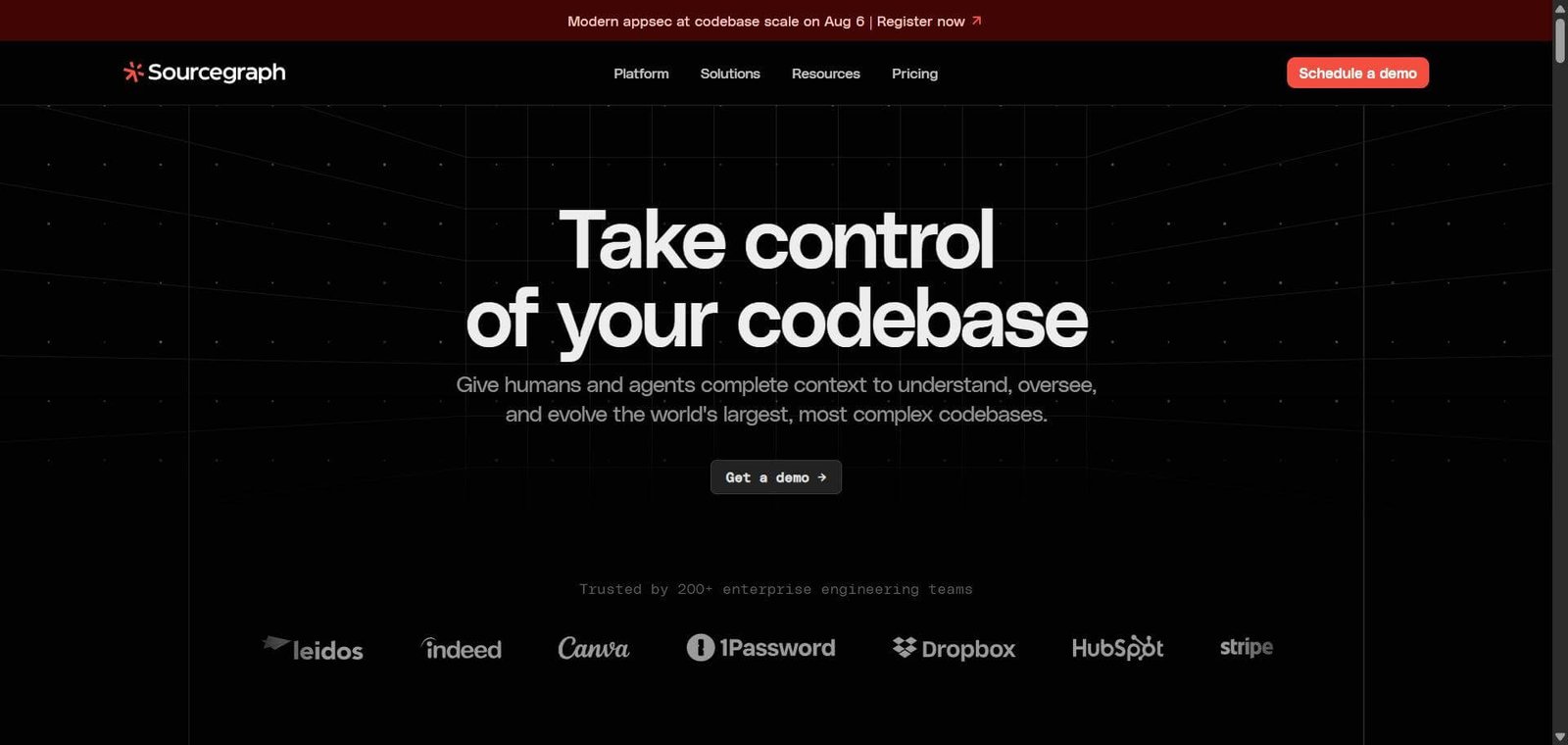
Sourcegraph Cody is the right AI coding assistant for engineering organisations whose codebase complexity has outgrown what file-level AI tools can meaningfully address. Its identity is built around one thing most competitors do less well — context at scale. For platform and infrastructure teams maintaining complex interconnected systems where understanding cross-service dependencies is the daily challenge, Cody’s multi-repository intelligence is a genuine productivity multiplier that no file-level alternative replicates. 

Next steps

Feature your app on AI tools for free

Subscribe to our Newsletter

Stay up-to-date with the latest AI Apps and cutting-edge AI news.

Trending Categories