Continue Review: The Open-Source AI Coding Assistant That Lets You Choose Your Own Model
Every major AI coding assistant — GitHub Copilot, Codeium, Cursor — makes one decision for you: which AI model powers the tool. Continue makes no such decision. It is an open-source IDE extension that connects to any AI model you choose — GPT-4o, Claude, Gemini, Llama running locally, Groq for speed, or any other model accessible via API — and provides the coding assistant interface on top of it. This model-agnostic approach gives developers something no proprietary tool can offer: complete control over cost, capability, and data privacy.
Quick Summary
Continue is a free open-source AI coding assistant extension for VS Code and JetBrains that provides code completion, inline editing, and chat assistance while connecting to any AI model the developer chooses, giving full control over model selection, cost, and data handling.
Is it worth using? Yes for developers who want AI coding assistance with control over which model powers it, particularly for those with privacy requirements, cost constraints, or specific model preferences that proprietary tools cannot accommodate. Who should use it? Developers who want AI coding assistance but need to choose their own AI model — whether for privacy, cost, capability, or local operation reasons — without being locked into a single vendor’s model. Who should avoid it? Developers who want the simplest possible setup and are happy with Codeium’s free tier or GitHub Copilot’s managed experience without configuring their own model connections.
Verdict Summary
Best for
Developers who want AI coding assistance powered by the model that best fits their specific needs and budget
Teams with code privacy requirements who want to run AI locally using models like Llama through Ollama
Engineers who want to switch between models for different tasks — using Claude for complex reasoning and a fast local model for autocomplete
Not for
Developers who want a fully managed, zero-configuration AI coding assistant out of the box
Users without the technical comfort to configure API keys and model connections
Teams who need enterprise-managed AI coding tools with centralised billing and controls
Rating ⭐⭐⭐⭐ 4.4 / 5
What Is Continue?
Continue is an open-source AI coding assistant developed by Continue.dev, available as an extension for VS Code and JetBrains IDEs. Rather than building its own AI model, Continue provides the IDE-integrated interface — code completion, inline editing commands, chat, codebase context — and connects that interface to whatever AI model the developer configures.
This architecture means developers can use Continue with a GPT-4o API key today, switch to Claude 3.5 Sonnet tomorrow for a task requiring deeper reasoning, and run a local Llama model through Ollama for sensitive codebases where they do not want code leaving their machine. The same familiar interface works across all of these configurations without changing any settings beyond the model selection.
How Continue Works
Install the Continue extension from the VS Code Marketplace or JetBrains Plugin Repository. The extension is free and open source.
Configure your AI model. Open the Continue configuration file and add the API key and settings for your chosen model provider. Continue supports OpenAI, Anthropic, Google, Mistral, Groq, Ollama for local models, and many others through a standardised configuration format.
Use tab autocomplete. Continue provides inline code completions as you type, accepting suggestions with Tab. The completion quality depends on the model you have configured.
Chat with context. Open the Continue sidebar to chat with an AI assistant that has context about your open files and selected code. Ask questions about the codebase, request refactoring suggestions, or get explanations of complex code.
Use inline edit commands. Select code and use Continue’s inline command interface to ask the AI to refactor, document, debug, or transform the selected code directly in the editor.
Switch models for different tasks. Change the active model in Continue settings to use different capabilities for different types of coding tasks within the same session.
Key Features
Open-source and free with no usage fees beyond your own API costs
Model-agnostic connection to any AI provider including OpenAI, Anthropic, Google, Groq, and local models via Ollama
Tab autocomplete for inline code completion in VS Code and JetBrains
Chat sidebar with codebase context for questions and coding assistance
Inline edit commands for refactoring, documentation, and transformation
Local model support through Ollama for air-gapped or privacy-sensitive environments
Configurable context window controls for managing token costs
Active open-source community contributing extensions and improvements
Real-World Use Cases
Privacy-sensitive development: Run Continue with a local Llama model via Ollama so proprietary code never leaves the development machine, getting AI coding assistance with zero data privacy risk.
Cost-optimised AI coding: Use Groq’s fast free tier for autocomplete and a Claude API key for complex reasoning questions, managing AI costs precisely rather than paying a flat subscription regardless of usage.
Multi-model experimentation: Evaluate different AI models’ coding capabilities by switching between them in Continue for the same tasks, building an informed view of model strengths for your specific codebase and language.
Enterprise privacy compliance: Give development teams AI coding assistance using a self-hosted model deployment that keeps all code within the organisation’s infrastructure.
Complete model freedom — use any AI provider or local model
Requires manual API configuration that not all developers want to manage
Fully free with costs limited to your own API usage
No managed experience — you own the setup and troubleshooting
Local model support enables privacy-safe AI coding assistance
Autocomplete quality depends entirely on the model you configure
Open-source with active community development
Less polished out-of-box experience than managed tools like Codeium
Switching between models enables task-specific optimisation
Enterprise management features require building your own tooling
Pricing & Plans
Free and Open Source
No subscription cost
All features included
API costs paid directly to your chosen model provider
Self-managed configuration
Community support via GitHub and Discord
Best Alternatives & Comparisons
Codeium — Better managed free experience with a single model, no configuration required, less model flexibility
GitHub Copilot — Better for deep GitHub integration and managed enterprise features, costs $10/month, no model choice
Cursor — Better for agentic multi-file AI coding with a fully managed experience, costs $20/month
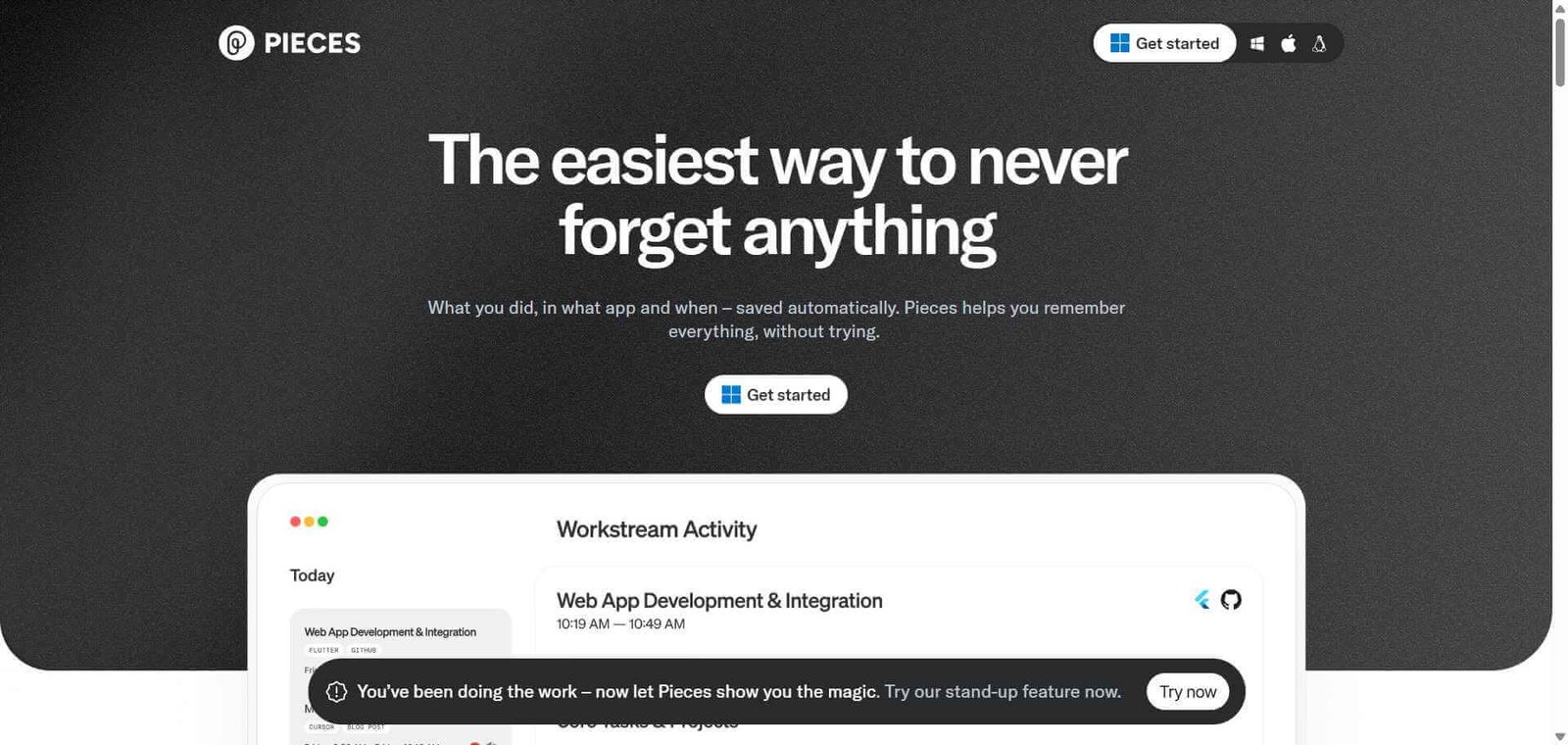
Pieces AI — Better for snippet management and code context, complementary to Continue rather than competing
Frequently Asked Questions (FAQ)
What is Continue?
Continue is a free open-source AI coding assistant extension for VS Code and JetBrains that provides code completion, chat, and inline editing while connecting to any AI model the developer configures.
Is Continue free?
Yes, Continue is completely free and open source. You pay only for the API usage of whichever AI model you connect to it, or nothing at all if you use a local model through Ollama.
Which AI models does Continue support?
Continue supports OpenAI (GPT-4o and others), Anthropic Claude, Google Gemini, Mistral, Groq, and local models via Ollama, as well as any other provider that implements a compatible API format.
Can Continue run AI models locally without an internet connection?
Yes, Continue supports local model deployment through Ollama, allowing you to run models like Llama, Mistral, and others on your own hardware with no internet connection required after initial model download.
How does Continue compare to GitHub Copilot?
Copilot is a fully managed experience with a single model at $10/month, deep GitHub integration, and no configuration. Continue is free and open source with complete model flexibility, requires API configuration, and has no managed infrastructure. Choose Copilot for simplicity; choose Continue for model freedom and cost control.
Is Continue suitable for enterprise use?
Continue can be deployed in enterprise environments, particularly for organisations that need local model deployment for data privacy compliance. Centralised management and billing require additional tooling built on top of Continue’s open-source foundation.
Final Recommendation
Continue is the right AI coding assistant for developers who have decided that model flexibility and data control matter more than the convenience of a fully managed experience. The zero-cost model — paying only for what you use through your own API keys — makes it the most cost-efficient option at any usage level, and the local model support is genuinely unique among IDE-integrated AI coding tools. If you are comfortable with a brief configuration setup, Continue delivers a capable AI coding experience that no subscription tool can match on flexibility.