Retool Review: The Low-Code Platform That Ends the Internal Tool Backlog
Every engineering team has the same backlog item that never gets prioritised: the internal tool that operations, customer support, or finance desperately needs but cannot justify against product development priorities. Retool resolves this tension by letting developers build those tools 10 times faster than writing them from scratch — connecting to any database or API, building functional UIs from pre-built components, and deploying the result as a proper hosted application without the infrastructure overhead of a full custom build.
Quick Summary
Retool is a low-code platform for developers to build custom internal tools, admin panels, and dashboards connected to any database, API, or third-party service, significantly reducing the engineering time required to deliver internal applications.
Is it worth using? Yes for development teams with a backlog of internal tool requests who want to build functional, secure applications significantly faster than writing them from scratch. Who should use it? Engineers, technical leads, and development teams at companies where internal tool development is a bottleneck for operations, customer success, and other business functions. Who should avoid it? Non-technical teams who need tools without any coding — Airtable, Notion, or Monday AI serve that use case better. Retool requires developer involvement.
Verdict Summary
Best for
Engineering teams building admin panels, data browsers, and operational tools for non-engineering colleagues who need database access with a safe, controlled UI
Developers who need to quickly prototype and deliver internal tooling that operations, support, or finance teams request without diverting from product priorities
Companies who want to replace spreadsheet-based internal processes with proper applications connected to live data sources
Not for
Non-technical teams who need tools without developer involvement
Customer-facing product features where full custom development produces better results
Teams with only occasionally a simple internal need that Airtable or Notion can handle without engineering input
Rating ⭐⭐⭐⭐½ 4.7 / 5
What Is Retool?
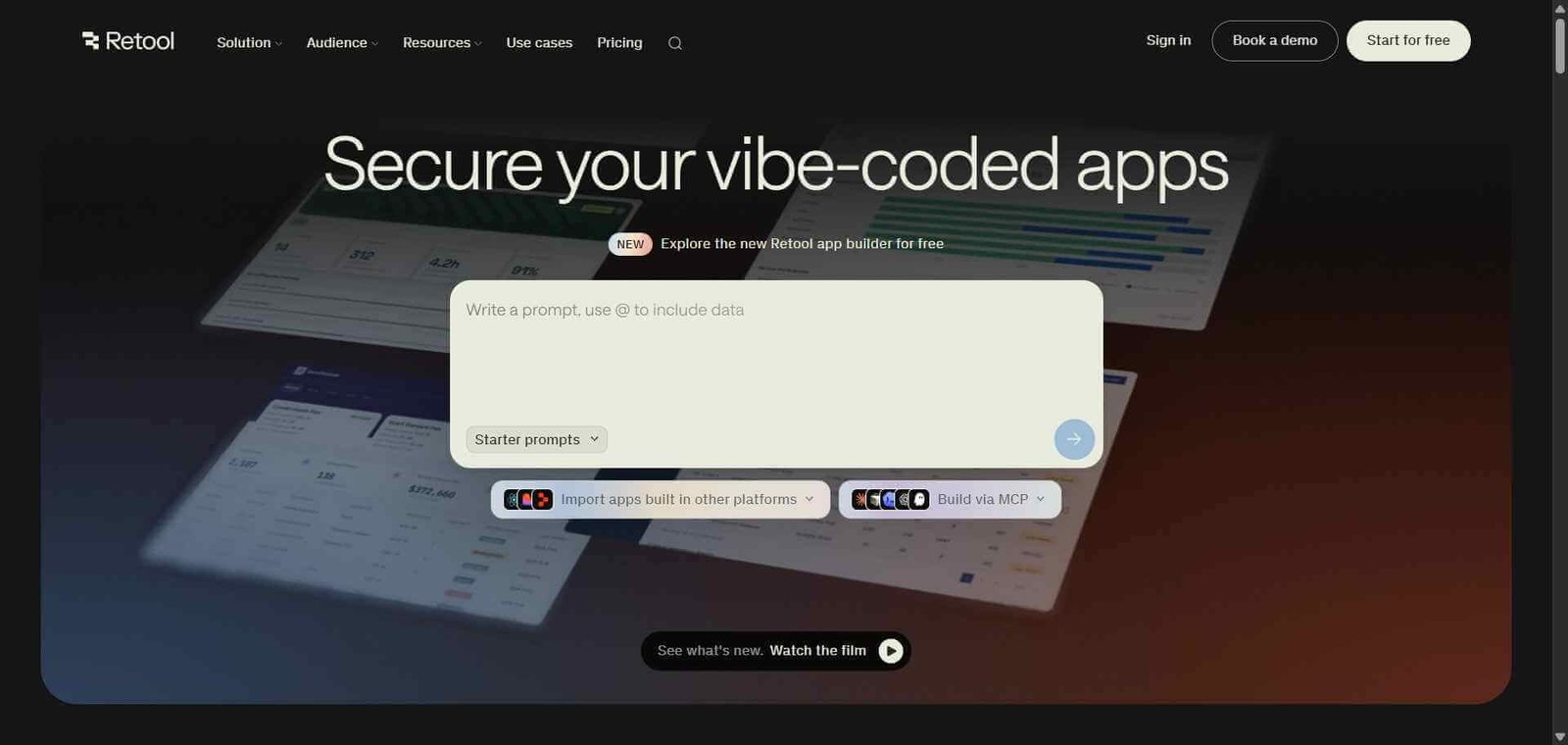
Retool is a low-code development platform specifically designed for building internal tools quickly. Rather than building UI components from scratch or configuring infrastructure, developers drag and drop pre-built components — tables, forms, charts, maps, buttons, inputs — connect them to queries against any data source, and deploy the result as a hosted application accessible to their team.
The platform connects to virtually any data source — PostgreSQL, MySQL, MongoDB, REST APIs, GraphQL, Snowflake, Salesforce, Stripe, and over 100 others — and the query layer handles authentication, data transformation, and error handling, leaving developers to focus on the specific business logic and user experience of the tool being built.
How Retool Works
Create a new app. Start a new Retool application from the visual editor. Choose a blank canvas or a template matching your tool type — admin panel, data browser, approval workflow, or dashboard.
Connect your data sources. Add database connections and API integrations using Retool’s pre-built connectors, configuring authentication once and reusing the connection across any number of applications.
Write queries. Create queries in SQL, REST API calls, or GraphQL that retrieve, update, or delete data from your connected sources. Retool handles the connection management and error states.
Build your UI. Drag and drop components — tables, forms, charts, modals, buttons — onto the canvas and connect them to your queries. Set up the interactions that define how the tool behaves when users take actions.
Add logic and transformations. Use JavaScript to add custom business logic, transform query results, and handle edge cases that cannot be expressed through component configuration alone.
Deploy and share. Publish your application and share it with your team. Retool handles hosting, authentication, and access control so you do not need to manage infrastructure.
Key Features
Drag-and-drop UI builder with 100 plus pre-built components
Connections to 100 plus data sources including databases, APIs, and SaaS tools
Query editor supporting SQL, REST, GraphQL, and JavaScript transformations
Pre-built templates for admin panels, dashboards, CRUD apps, and approval workflows
Retool AI for generating queries and components from natural language descriptions
Role-based access control for limiting which users can view and edit data
Retool Workflows for automating multi-step processes triggered by events
Self-hosted deployment option for teams with data residency requirements
Audit logging for tracking all data access and modifications
Real-World Use Cases
Customer support admin panel: A support team gets a Retool dashboard showing full customer order history, subscription details, and support ticket history in one view, enabling faster and more informed support without direct database access.
Operations data browser: An operations team uses a Retool table connected to their database to browse, filter, and update operational records — replacing a spreadsheet copy of production data with a live connected interface.
Approval workflow tool: A finance team uses a Retool form connected to their accounting database where managers review and approve expense claims, updating database records with a button click and sending confirmation emails via API.
Data migration tool: An engineering team builds a Retool app to help the customer success team migrate customer data to a new format, with validation checks and progress tracking built into the interface.
Dramatically reduces time to build functional internal tools
Requires developer involvement — not a no-code tool for non-technical users
100 plus data source connectors remove integration boilerplate
Pricing scales quickly for larger teams
Retool AI generates queries and components from natural language
Customer-facing use cases better served by full custom development
Self-hosted option satisfies data residency requirements
Complex custom logic still requires JavaScript knowledge
Audit logging provides governance for sensitive data access
Free plan limited to 5 users
Pricing & Plans
Free — $0/month
5 users
Unlimited apps
Standard components
Core data source connections
Team — $10/user/month
Unlimited users
Custom branding
All standard components
Priority support
Business — $50/user/month
All Team features
Staging environments
Advanced permissions
Audit logging
SSO
Enterprise — Custom pricing
Self-hosted deployment
All Business features
Dedicated support
Custom security controls
Best Alternatives & Comparisons
Airtable — Better for non-technical teams building database-driven tools without developer involvement
Appsmith — Open-source alternative to Retool with similar capabilities at zero licensing cost
Monday AI — Better for visual project management without developer involvement
Rows AI — Better for AI-powered spreadsheet analysis and live data reporting without building a full application
Frequently Asked Questions (FAQ)
What is Retool?
Retool is a low-code platform for developers to build custom internal tools, admin panels, and dashboards connected to any database or API, significantly reducing engineering time for internal application development.
Is Retool free?
Yes, Retool offers a free plan for up to 5 users with unlimited apps. Paid plans start at $10/user/month for unlimited users.
Do I need to know how to code to use Retool?
Retool requires developer involvement for connecting data sources, writing queries, and handling custom logic. It reduces development time significantly but is not a no-code tool — JavaScript and SQL knowledge is needed.
What data sources does Retool connect to?
Retool connects to 100 plus data sources including PostgreSQL, MySQL, MongoDB, Snowflake, REST APIs, GraphQL, Salesforce, Stripe, Airtable, Google Sheets, and many others through pre-built connectors.
What is Retool AI?
Retool AI allows developers to generate SQL queries, JavaScript transformations, and component configurations using natural language descriptions, reducing the time spent writing boilerplate code for common internal tool patterns.
Does Retool offer self-hosted deployment?
Yes, Retool offers self-hosted deployment on the Enterprise plan for organisations with data residency requirements or compliance policies that prevent using cloud-hosted internal tools.
Final Recommendation
Retool is the most productive way for development teams to deliver the internal tools that operations, support, and finance need without consuming product engineering capacity. The combination of 100 plus data source connectors, pre-built UI components, and Retool AI for query generation means a developer can build a functional admin panel or data browser in hours rather than days. For any engineering team with a backlog of internal tool requests, Retool is the platform that resolves that backlog sustainably.