Maze Review: The Product Research Platform That Gives Designers Quantitative Usability Data in Hours
Qualitative research tells you what users think. Quantitative usability testing tells you what they actually do. Maze provides the latter — measuring task completion rates, time on task, misclick rates, and navigation paths across prototype tests with real participants — producing the numerical evidence that justifies design decisions with data rather than opinion. And it does this at a speed that fits product development cycles rather than traditional research timelines.
Quick Summary
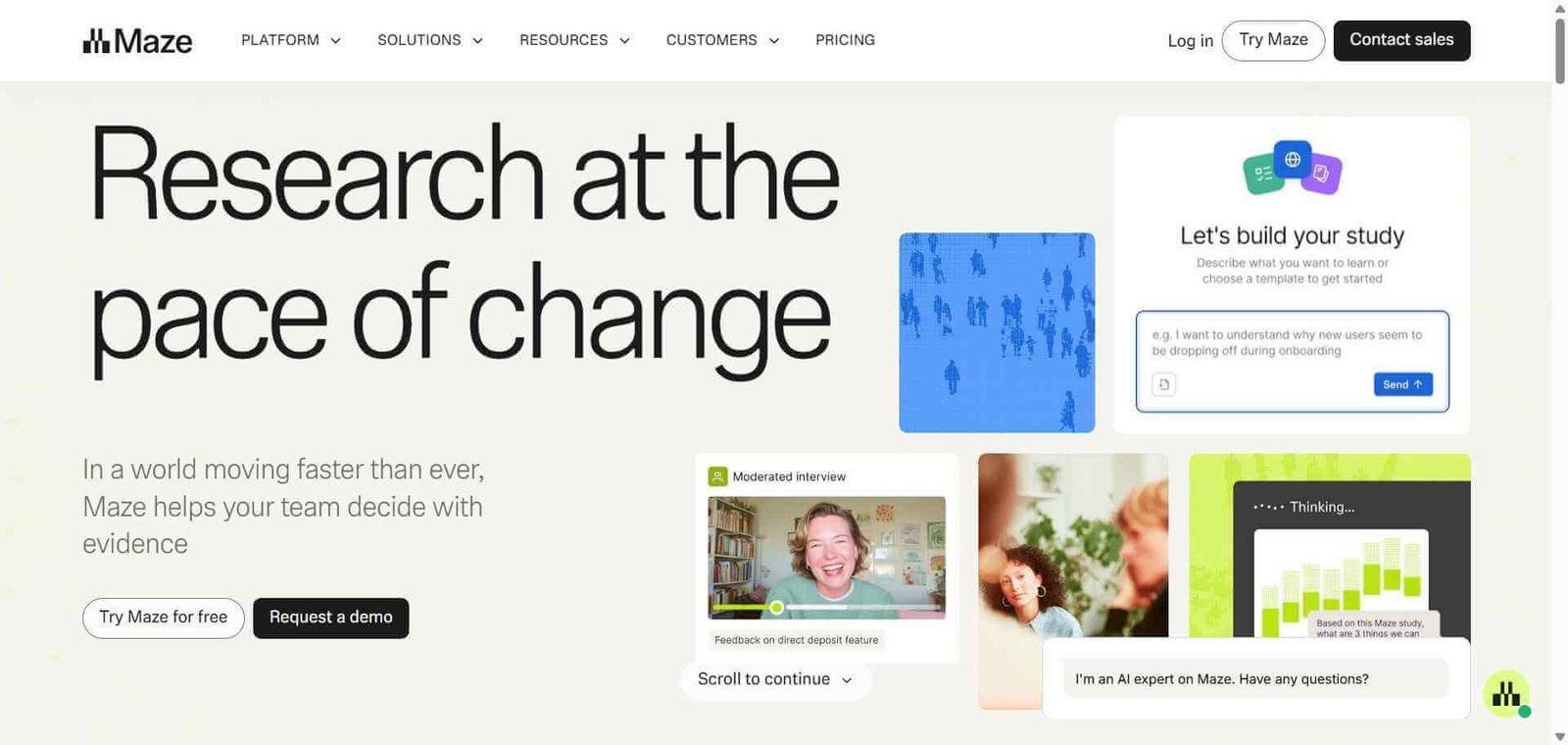
Maze is an AI-powered rapid product research platform for unmoderated prototype testing, first-click testing, five-second tests, and surveys that measures quantitative usability metrics and delivers results within hours of launching a study.
Is it worth using? Yes for product designers, product managers, and UX researchers who need quantitative usability data from prototype testing quickly and at a lower cost than traditional research platforms. Who should use it? Product designers, UX researchers, and product managers who want to validate prototypes and measure usability with real users at the pace of product development rather than traditional research timelines. Who should avoid it? Teams who primarily need qualitative video-based user research where UserTesting provides richer insight into the why behind user behaviour.
Verdict Summary
Best for
Product designers who want quantitative data on prototype performance — task completion, misclicks, navigation paths — before handing off to engineering
UX research teams who need rapid turnaround studies that deliver usable results within hours rather than weeks
Product managers who want to compare design variants with objective metrics rather than team opinions
Not for
Teams whose primary research need is qualitative video observation of user behaviour (UserTesting is stronger)
Research teams who need complex moderated interview facilitation
Teams without prototypes to test, whose research questions require discovery rather than validation
Rating ⭐⭐⭐⭐ 4.3 / 5
What Is Maze?
Maze is a continuous product discovery platform that enables product and design teams to run rapid unmoderated usability tests using Figma and other prototyping tool integrations. Participants from Maze’s own panel or from a researcher’s own network complete tasks on prototype links while Maze measures their behaviour — where they click first, whether they complete the task, how long it takes, and where they drop off — producing quantitative usability metrics that answer specific design questions with data.
Its AI capabilities include automatic test creation from prototype descriptions, AI-generated insight summaries from test results, and recommendations for follow-up research based on current findings.
How Dovetail Works
Import your prototype. Connect your Figma prototype or import from InVision, Marvel, or AdobeXD. Maze maps the prototype’s clickable areas for measurement.
Create your test. Define the tasks you want participants to complete, write the task descriptions, and add any additional question types — five-second tests, first-click tests, open questions, or rating scales.
Recruit participants. Use Maze’s built-in panel of 90,000 plus testers or share the test link with your own target users.
Collect data automatically. Maze records every click, navigation path, and task completion as participants work through the prototype, with time on task and completion rates calculated automatically.
Review your results. Access a results dashboard showing task completion rates, misclick rates, average time on task, heatmaps of where participants clicked, and navigation flow visualisations.
Use AI insights. Maze AI summarises the most significant findings from the test data and generates natural language insight reports that can be shared with stakeholders without manual analysis.
Key Features
Figma prototype integration for direct testing of design files
Task-based usability testing measuring completion rates, misclicks, and time on task
First-click testing showing where users click first on any screen
Five-second tests measuring first impressions of designs
Heatmaps visualising click distribution across any prototype screen
Navigation flow analysis showing the paths users take through prototypes
Built-in participant panel of 90,000 plus testers for rapid recruiting
AI-generated insight summaries from test result data
Survey blocks for qualitative questions alongside quantitative measurements
Real-World Use Cases
Navigation redesign validation: A design team tests two navigation structure variants with 50 participants each, comparing task completion rates and misclick rates to objectively identify which structure better supports user goals before development.
Onboarding flow optimisation: A product team tests their new user onboarding prototype with Maze, identifying the specific step where 40 percent of participants abandon through navigation flow analysis, prioritising that step for redesign.
Card sort and information architecture: A UX researcher uses Maze’s card sort feature to understand how users categorise product features, informing navigation structure decisions with participant data rather than internal opinion.
Stakeholder alignment: A designer uses Maze results showing task completion rates and heatmaps in a stakeholder presentation, replacing subjective design critique with objective performance data that accelerates alignment on the final design direction.
Quantitative usability metrics provide objective design validation data
Less rich qualitative insight than video-based UserTesting
Results available within hours for rapid design iteration
Free plan limited in responses and study types
Figma integration makes prototype testing seamless for design teams
Participant panel quality requires screening for specific user profiles
AI insight summaries reduce time spent on result interpretation
Complex moderated research not supported
Affordable relative to traditional user research recruiting costs
Some study types require higher plan tiers
Pricing & Plans
Free — $0/month
1 study per month
5 responses per study
Basic study types
Core analytics
Starter — $99/month
Unlimited studies
20 responses per study
All study types
AI insights
Participant panel access
Team — $249/month
Unlimited studies
Unlimited responses
All Starter features
Team collaboration
Advanced analytics
Priority support
Organization — Custom pricing
All Team features
SSO
Custom contracts
Dedicated support
Best Alternatives & Comparisons
UserTesting — Better for qualitative video-based research with a large participant panel, less quantitative usability metrics
Dovetail — Better for research analysis and repository management, less prototype testing capability
Hotjar — Better for live website behaviour heatmaps and session recording, no prototype testing
Lyssna — Similar rapid testing platform at lower pricing, smaller participant panel
Frequently Asked Questions (FAQ)
What is Maze?
Maze is an AI-powered rapid product research platform for unmoderated prototype testing that measures task completion rates, misclick rates, navigation paths, and first impressions with quantitative metrics.
Is Maze free?
Yes, Maze offers a free plan with 1 study per month and 5 responses. The Starter plan at $99/month provides unlimited studies with 20 responses and AI insights.
What types of studies can Maze run?
Maze supports prototype usability tests, first-click tests, five-second tests, card sorts, tree tests, surveys, and preference tests — covering most common rapid research methodologies for product and design validation.
How does Maze integrate with Figma?
Maze connects directly to Figma, importing prototype files and their interactive flows automatically, so participants can click through the same prototype interactions that would appear in the final product without any additional setup.
How does Maze compare to UserTesting?
Maze provides quantitative behavioural data from prototype testing — task completion rates, heatmaps, navigation paths — at lower cost and faster turnaround. UserTesting provides qualitative video recordings of users thinking aloud during tasks, offering richer insight into the why behind behaviour. Both serve different research questions and complement each other.
How many participants does Maze need for reliable results?
Maze research suggests that 20 to 30 participants per study provides statistically reliable results for most usability testing scenarios, with diminishing returns beyond that threshold for standard task completion measurements.
Final Recommendation
Maze is the most accessible quantitative usability testing platform for product and design teams who want objective data to validate their design decisions at the pace that product development demands. The Figma integration makes prototype testing seamless, the quantitative metrics replace opinion-based design debates with evidence, and the AI insight summaries make findings shareable with stakeholders without manual analysis. The Starter plan at $99/month delivers significant research capability for any team running more than one design validation study per month.