Rive Review: The Animation Tool That Brings State Machine Logic to Motion Design
Traditional animations play from start to finish — they do not respond to what the user is doing or what state the application is in. Rive changes this through its state machine system, where animations are designed as interconnected states and transitions that respond to inputs — a button that has hover, pressed, and active states with smooth transitions between them; a loading animation that transitions to success or error based on the API response; a character that moves differently based on game state. This interactivity is what separates Rive from every other animation tool.
Quick Summary
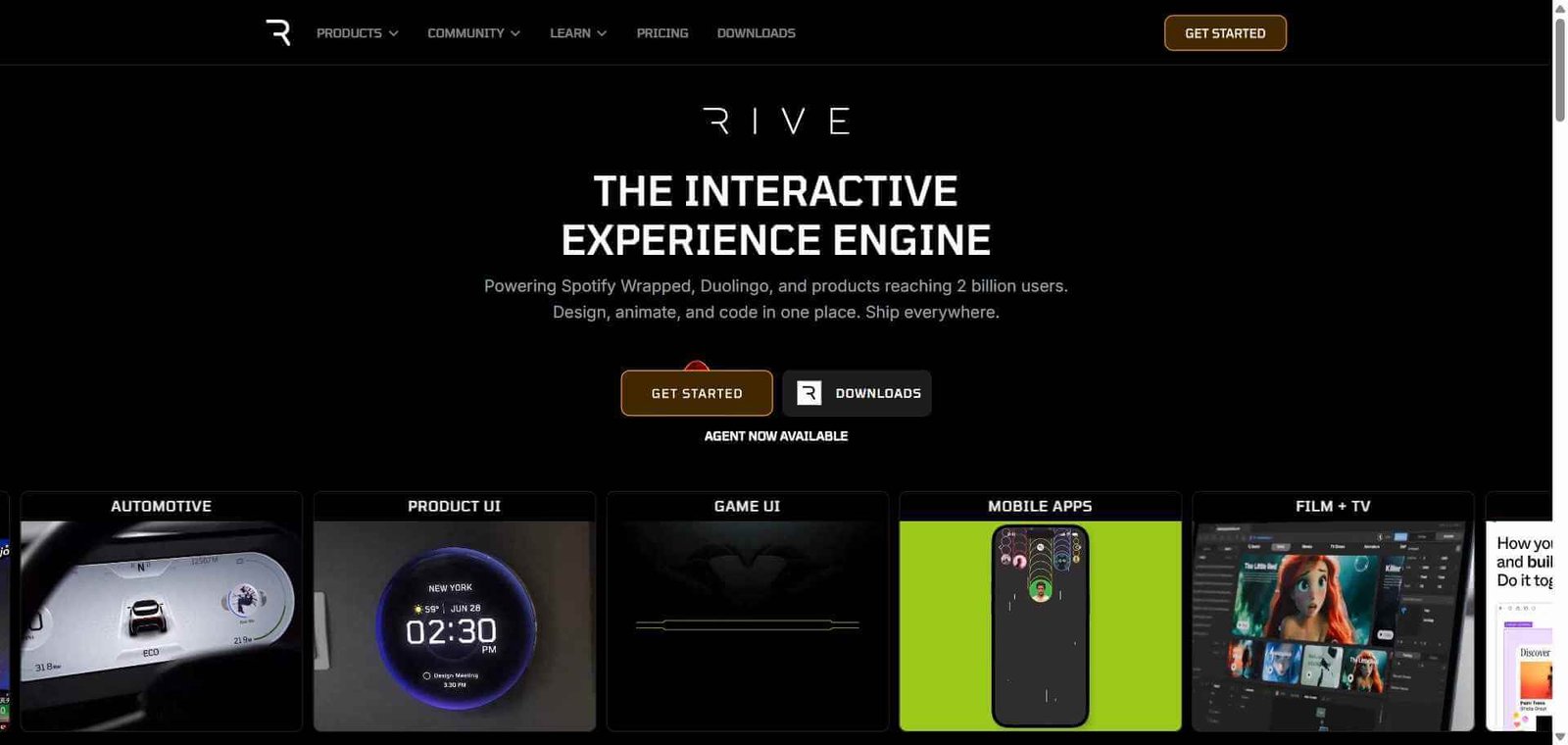
Rive is an interactive animation tool and runtime that enables designers to create state machine animations — animations that respond to user input and application state in real time — and deploy them to web, iOS, Android, Flutter, and game engines with a single file.
Is it worth using? Yes for designers and developers who want animations that go beyond one-time playback to respond intelligently to user interactions and application state changes. Who should use it? UI/UX designers building interactive product animations, game developers creating character and UI animations, and development teams wanting animations that respond to application logic without custom code. Who should avoid it? Teams whose animation needs are one-time playback without interactivity, where LottieFiles provides a simpler and more library-rich solution.
Verdict Summary
Best for
Product designers who want UI elements — buttons, icons, toggles, loaders — that animate based on their current state and user interaction rather than playing a single fixed animation
Game and app developers who need character and UI animations that respond to game state, user progress, or application events without coding complex animation logic
Teams building premium interactive experiences where animation quality and responsiveness are key differentiators
Not for
Teams needing one-time playback decorative animations where LottieFiles’ library provides a faster and simpler solution
Marketing teams needing animated illustrations without technical integration requirements
Designers without the time investment to learn Rive’s state machine animation paradigm
Rating ⭐⭐⭐⭐½ 4.6 / 5
What Is Rive?
Rive is an animation design tool and cross-platform runtime that enables designers to create interactive animations using a state machine system. Unlike After Effects — which produces linear animations that play from point A to point B — Rive’s state machine defines animation states and the conditions that trigger transitions between them, creating animations that respond to application logic rather than just playing once.
A Rive file can contain a button that smoothly transitions between default, hover, pressed, loading, and success states; a progress indicator that responds to a numerical value; or a character whose pose changes based on which direction the user is moving. The same file deploys to web, iOS, Android, Flutter, Unity, and Unreal Engine through Rive’s official runtime libraries.
How Rive Works
Design in the Rive editor. Open the Rive web editor and create your animation artboard with the shapes, vectors, or imported assets you want to animate.
Create animation clips. Design individual animation states as timeline-based clips — idle, hover, active, success, error — using Rive’s keyframe animation system.
Build a state machine. Connect your animation clips in a state machine graph, defining the conditions and transitions that move between states — “transition to hover state when mouse enters,” “transition to success when data loads.”
Add inputs. Create boolean, number, and trigger inputs that external code can control — allowing your application to drive animation states based on real-time data.
Export your Rive file. Download the .riv file which contains your complete animation and state machine logic.
Integrate the runtime. Add the Rive runtime library to your application — @rive-app/react-webgl for React, the Swift package for iOS, or the relevant package for your platform — load your .riv file, and control animation states through the runtime API.
Key Features
State machine animation system connecting animation states with logic-driven transitions
Timeline-based animation editor for creating smooth motion between keyframes
Inputs system allowing application code to drive animation states in real time
Cross-platform runtime libraries for Web, React, Vue, iOS, Android, Flutter, Unity, and Unreal
Mesh deformation for organic character and shape animation
Bone and constraint system for character rigging and articulation
Listeners for triggering animations based on user input directly in Rive
Team collaboration with comments and version history
Community asset library for shared Rive animations and components
Real-World Use Cases
Interactive button states: A product team creates a Rive animation for their primary CTA button with distinct default, hover, pressed, loading, and success states — the button animates through each state in response to user interaction and API response without custom CSS or JavaScript animation code.
Game character animation: An indie game developer creates a Rive character with walking, running, jumping, and idle states driven by player input, exporting once and using the same animation in both their web demo and Unity game build.
Animated form validation: A web form uses Rive-animated input field icons that transition between default, focused, valid, and error states in response to user input and validation results — creating a premium form experience without complex animation code.
Dashboard data visualisation: An analytics dashboard uses a Rive progress indicator animation where the fill percentage is driven by a number input updated with real-time data, creating a data-responsive animation that updates smoothly as values change.
State machine interactivity is genuinely unique in the animation tool category
Steeper learning curve than LottieFiles for designers new to state machine concepts
Single file deploys to every major platform without re-exporting
Integration requires familiarity with the runtime API for developers
Runtime performance is excellent — GPU-accelerated vector rendering
Less pre-made animation library content than LottieFiles
Inputs system enables tight coupling between application logic and animation
Full capability requires both design and development skills to implement well
Active development and growing community of Rive creators
Complex state machines can become difficult to manage as animations grow
Pricing & Plans
Free — $0/month
Unlimited personal files
Core editor features
Basic runtime access
Community support
Pro — $14/month per editor
Team collaboration
Shared asset libraries
Version history
Priority support
Teams — $35/month per editor
All Pro features
Advanced collaboration
Team management
Admin controls
Enterprise — Custom pricing
All Teams features
SSO
Dedicated support
Custom contracts
Best Alternatives & Comparisons
LottieFiles — Better for one-time playback animations with a large free library, no interactivity or state machine
Spline — Better for 3D animations and interactive 3D web experiences, different animation dimension
Adobe After Effects — Better for producing cinematic quality linear animation, no real-time interactivity or state machine
Figma — Better for prototyping interaction flows in design, not a production animation delivery tool
Frequently Asked Questions (FAQ)
What is Rive?
Rive is an interactive animation design tool and cross-platform runtime for creating state machine animations that respond to user input and application state in real time, deploying to web, iOS, Android, Flutter, and game engines.
Is Rive free?
Yes, Rive is free for personal use with unlimited files and core features. The Pro plan at $14/month per editor adds team collaboration and shared libraries.
What is a state machine in Rive?
A state machine in Rive is a visual graph connecting animation states (idle, hover, active, error) with transition conditions and rules that determine when and how the animation moves between states — enabling animations that respond to application logic rather than playing linearly.
How does Rive differ from Lottie?
Lottie animations play from start to finish as a single linear sequence. Rive animations exist as multiple interconnected states that transition based on inputs from user interaction or application code. Rive is for interactive animations; Lottie is for one-time playback animations.
Can Rive animations respond to real-time data?
Yes, Rive’s inputs system allows number, boolean, and trigger inputs to be controlled by application code, enabling animations that respond to real-time data values — a gauge that fills based on a live percentage, a character whose speed matches a game variable, or a status indicator that transitions based on an API response.
What platforms does Rive support?
Rive has official runtime libraries for Web (JavaScript/WebGL), React, Vue, Angular, iOS (Swift), Android (Kotlin), Flutter, Unity, and Unreal Engine — enabling a single .riv file to be used across every major application platform.
Final Recommendation
Rive is the most technically capable animation tool available for designers and developers who want animation that responds intelligently to user interaction and application state rather than simply playing once and stopping. The state machine system opens creative and functional possibilities that no other animation tool currently offers at Rive’s level of performance and cross-platform reach. For any product team that has wanted buttons, loaders, icons, or characters that animate based on what is actually happening in the application, Rive is the tool that makes it possible without prohibitive development complexity.