Klap
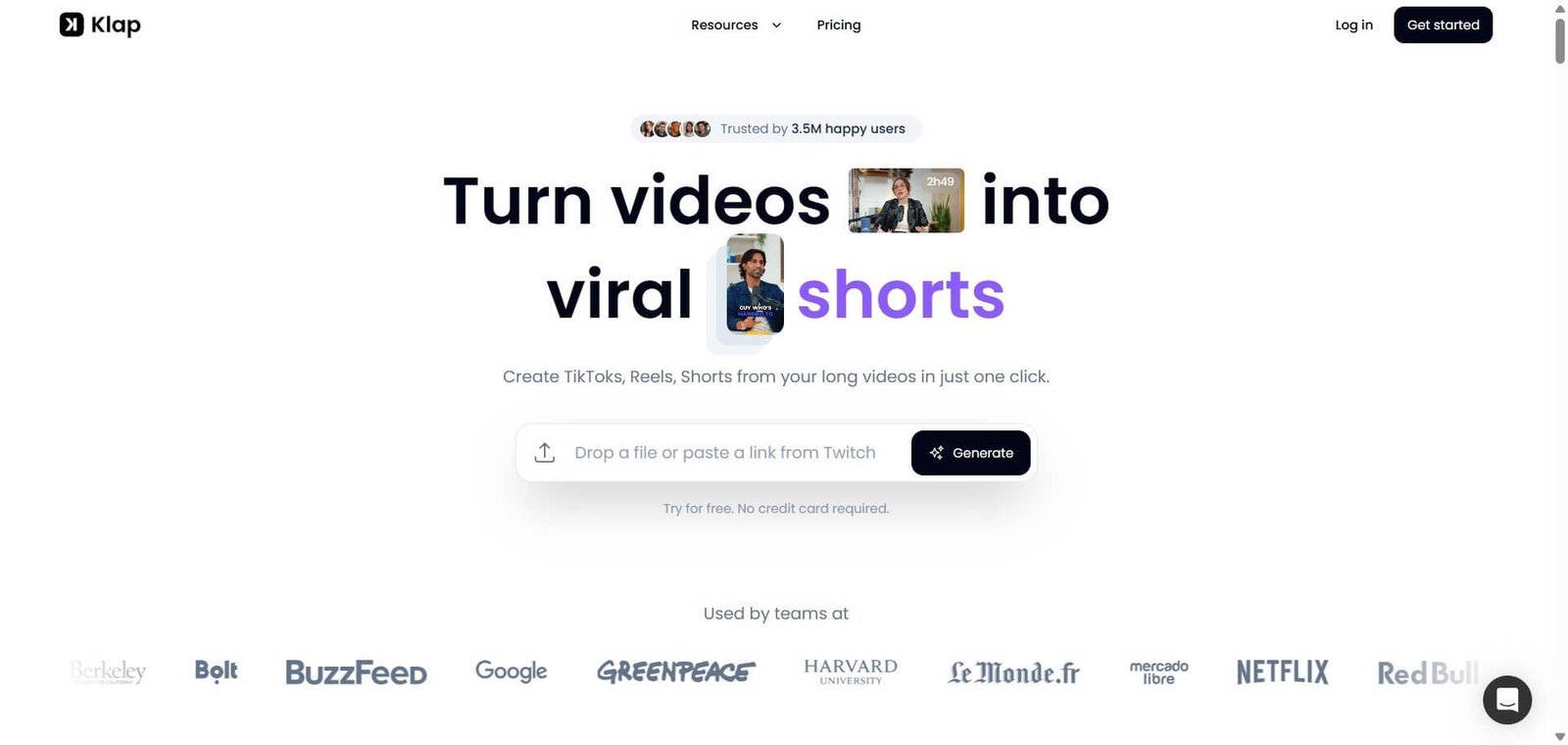
Long video to viral short clips in minutes. AI topic detection, 52-language captions, AI dubbing in 29 languages, and 4K export for TikTok, Reels, and Shorts.
Klap Review: The AI Video Repurposing Tool That Does One Thing and Does It Well
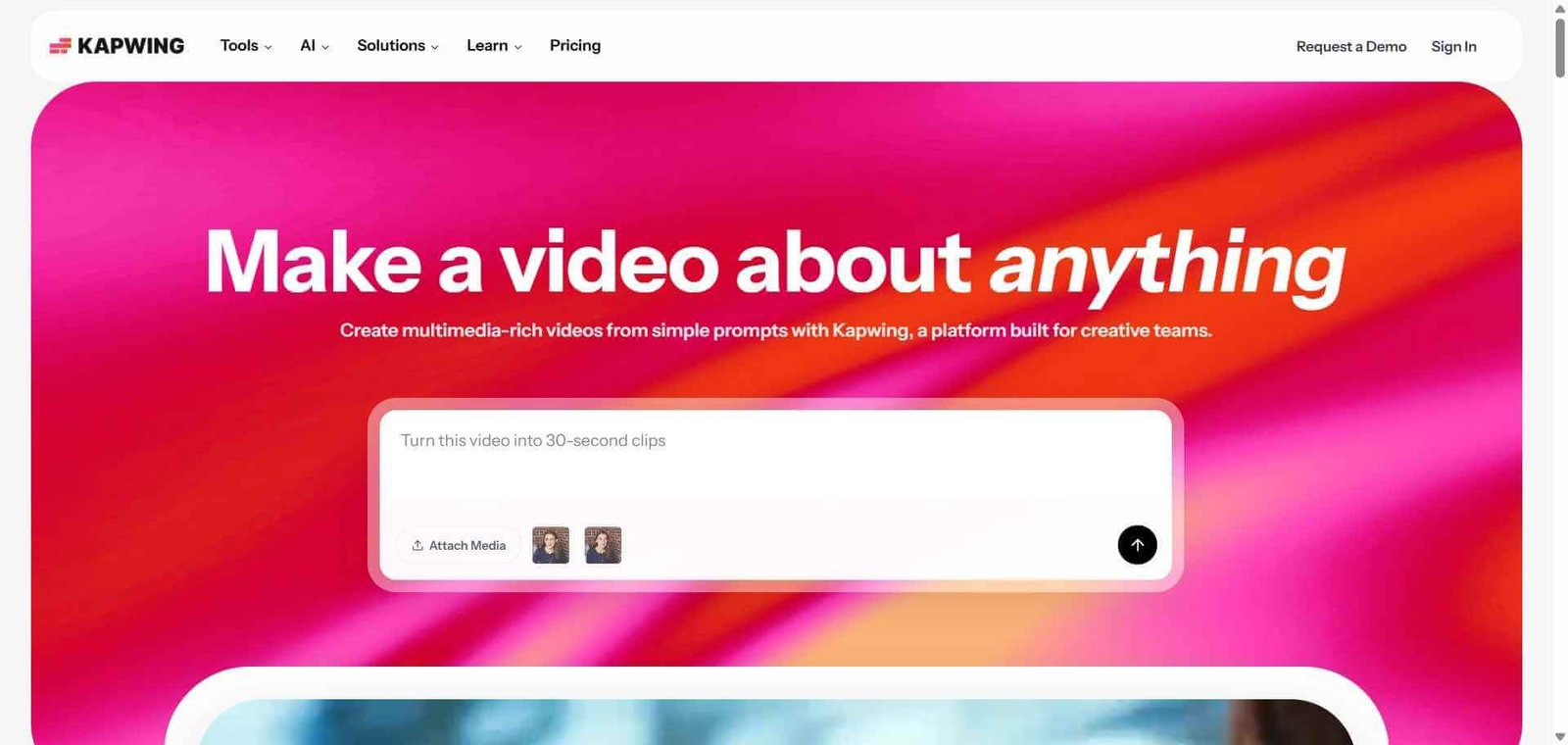
AI video tools are multiplying faster than creators can evaluate them. Most try to do everything. Klap does one thing: it takes long-form video content and converts it into short vertical clips optimised for TikTok, Instagram Reels, and YouTube Shorts. No timeline editor, no multi-track production, no special effects library. What it does instead is watch the entire video, identify the most engaging moments using AI topic detection, cut them into 15 to 90 second standalone clips, apply accurate captions across 52 languages, track speakers with AI Reframe 2, and export in 4K on Pro tiers. For podcasters, educators, marketers, and content agencies who produce regular long-form content and need a consistent presence on short-form platforms, Klap compresses what used to be 2 to 3 hours of manual editing into 15 to 20 minutes of review.
Quick Summary
Klap is an AI video repurposing platform operated by ZIGG, a France-based SaaS company, founded in 2022. It ingests long-form video (podcasts, YouTube uploads, webinars, interviews) and outputs vertical short clips with auto-captions in 52 languages, AI dubbing in 29 languages, AI Reframe 2 speaker tracking that keeps speakers centred in vertical 9:16 crops, and 4K export on Pro tier and above. Rated 4.7/5 on G2. Freemium model with 1 free video trial, paid plans from $23.20/month billed annually or $29/month billed monthly.
Is it worth using? Yes for podcasters, content agencies, B2B marketers, solo creators, and YouTubers who regularly produce long-form talking-head content and need short-form clips for TikTok, Reels, and Shorts without a video editing background or a dedicated editor on payroll.
Who should use it? Podcasters, educators, YouTubers, B2B webinar producers, content agencies scaling short-form client deliverables, and solo creators who produce long-form interviews and want a consistent short-form presence without 2 to 3 hours of manual editing per piece of content.
Who should avoid it? Creators producing cinematic, narrative, or music video content where visual editing precision, b-roll, and custom transitions are essential. Klap is built for dialogue-driven talking-head content. Also not ideal for creators whose content is primarily visual rather than speech-driven, where the AI topic detection performs less reliably.
Verdict Summary
Best for
- Podcasters who publish long episodes weekly and want 5 to 10 short clips per episode for Instagram Reels, TikTok, and LinkedIn without hiring a video editor. Klap’s AI topic detection works best with structured interview and educational content where topic shifts are clear
- Content agencies scaling short-form video deliverables for multiple clients. Klap’s clip generation speed allows one editor to produce short-form clips for 5 to 10 clients per day rather than spending 2 to 3 hours per client per episode
- B2B SaaS and professional services brands repurposing dry 60-minute webinars into punchy LinkedIn and Twitter video content. Klap identifies the most quotable moments and cuts them with accurate captions for professional audience consumption
Not for
- Creators who produce primarily visual, narrative, or music content without a clear speaker or topic structure. AI topic detection performs significantly better on structured speech-driven content than on unstructured visual or music video formats
- Teams who need auto-posting to TikTok and Instagram directly from the platform. Klap generates the video file but does not publish to social accounts directly. A scheduling tool is required for distribution
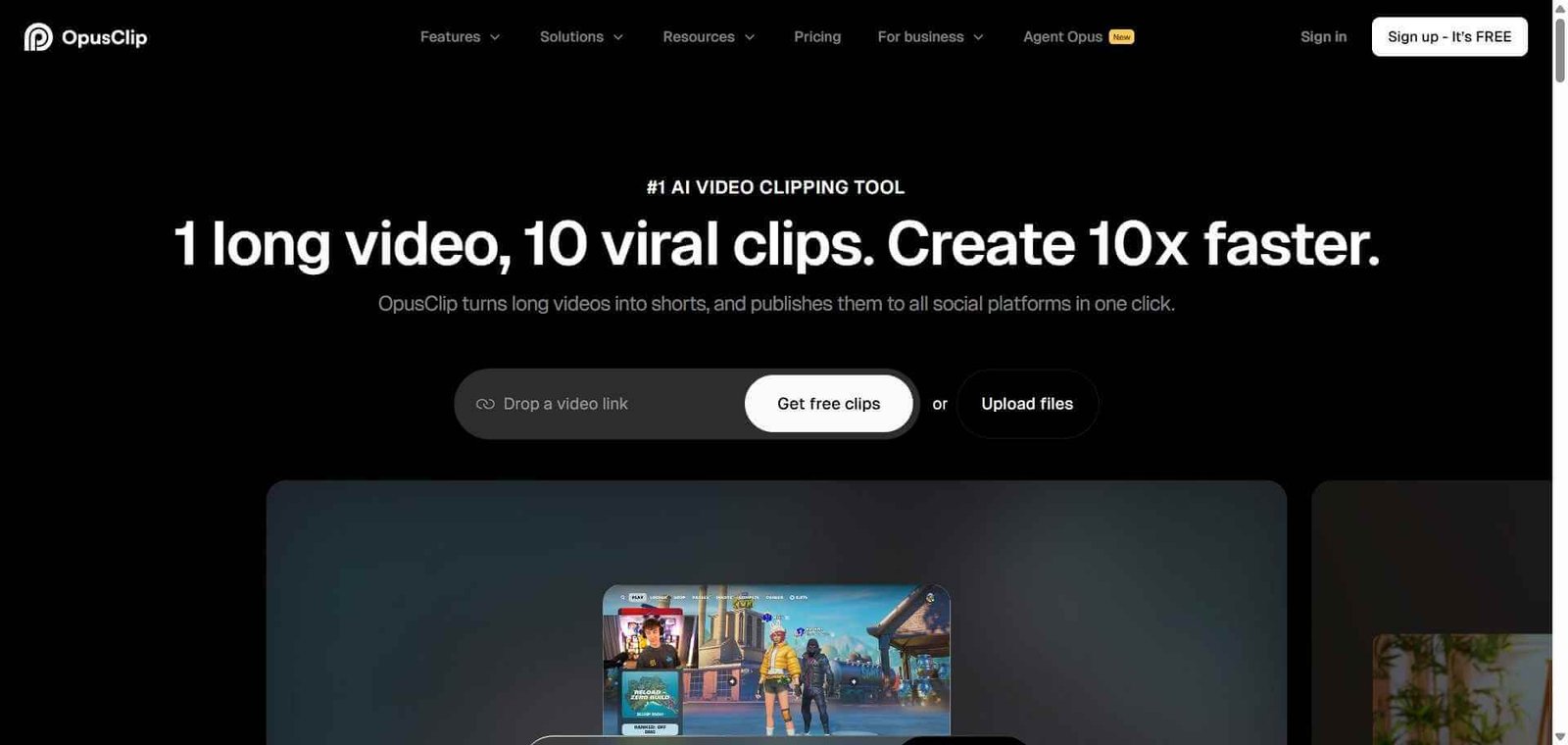
- Creators who want the viral optimisation scoring of Opus Clip alongside clipping. Opus Clip’s virality score system provides more specific guidance on which clips are most likely to perform, a feature Klap does not replicate
Rating
⭐⭐⭐⭐ 4.1 / 5
(G2: 4.7/5)
What Is Klap?
Klap is operated by ZIGG, a registered commercial SaaS company based in France. It launched in 2022 and reached a notable user base among podcasters, content agencies, and solo creators by building a product with a single clear value proposition: long video in, short clips out, with as little manual effort as possible in between. The platform does not attempt to be a full video editor. It is specifically a repurposing tool that sits at the top of the short-form content production workflow, processing long-form inputs into distribution-ready vertical outputs.
As of May 2026, Klap markets itself with a 4.7/5 G2 rating. Independent reviews testing the platform confirm the AI caption engine as genuinely excellent and the topic detection as reliable for structured dialogue-driven content. The platform operates under GDPR-compliant privacy frameworks as a European SaaS company.
How Klap Works
- Upload or paste a YouTube URL. Klap accepts direct video file uploads or a YouTube link for content hosted on the platform. For YouTube content, paste the URL and Klap fetches the video automatically.
- AI watches the entire video. Klap’s AI analyses the complete video transcript and visual content, identifying distinct topics, high-energy moments, quotable statements, and natural clip boundaries across the full duration.
- AI selects and cuts clips. Based on the analysis, Klap generates a set of proposed short clips between 15 and 90 seconds. Each clip is cut to stand alone as a complete, coherent piece of content without requiring the viewer to have seen the longer video.
- AI Reframe 2 tracks speakers. The AI Reframe 2 system detects the active speaker in each clip and dynamically crops the horizontal 16:9 source video into a vertical 9:16 format, keeping the speaker centred in the frame without manual reframe work.
- Captions generate automatically in 52 languages. Klap generates captions with customisable fonts, colours, and animation styles. The caption engine is one of the platform’s strongest features, producing accurate captions across 52 languages from the source audio.
- AI dubbing translates audio in 29 languages. On Pro tier and above, Klap’s AI dubbing feature translates the clip’s audio into 29 languages with lip sync, allowing creators to distribute content in multiple languages from one original recording.
- Edit, customise, and export. Review the AI-generated clips, adjust any that need refinement, apply custom branding, and export in up to 4K resolution on the Pro tier. Download files for manual upload and distribution via a scheduling tool.
Key Features
- AI topic detection that identifies engaging moments, quotable statements, and topic shifts in long-form video
- AI Reframe 2: dynamic speaker tracking that converts 16:9 horizontal video into centred vertical 9:16 for TikTok, Reels, and Shorts
- Auto-captions in 52 languages with customisable fonts, colours, and animation styles
- AI dubbing in 29 languages with lip sync on Pro tier and above
- 4K export on Pro tier and above
- Clip length range of 15 to 90 seconds for short-form platform optimisation
- YouTube URL input alongside direct file upload
- Custom branding controls for agency and creator brand consistency
- GDPR-compliant data handling as a France-based SaaS company under ZIGG
- Rated 4.7/5 on G2
- Supported content types: podcasts, webinars, YouTube videos, interviews, educational content
- 1 free video trial, paid plans from $23.20/month billed annually
Real-World Use Cases
- Podcast clip machine: A podcaster publishes a 90-minute weekly episode and wants 8 short clips for Reels, TikTok, and LinkedIn each week. Klap processes the full episode, identifies 12 candidate clips, and the podcaster approves 8 in 20 minutes. Total editing time drops from 3 hours of manual clip selection and captioning to 20 minutes of review. Zero coding or design experience required.
- Agency short-form scaling: A content agency produces short-form clips for 8 podcast clients per week. Klap processes each episode overnight and the editor reviews clips each morning rather than spending 2 to 3 hours per episode on manual editing. The agency scales to 8 clients without additional headcount, with each editor handling 3 to 4 clients per day.
- B2B webinar repurposing: A SaaS company runs a 60-minute product demo webinar and wants LinkedIn-ready clips for the following week. Klap identifies 6 punchy 60 to 90 second moments from the demo and generates captioned vertical clips. The marketing team posts one clip per day for a week from a single webinar without video editing skills.
- Multilingual content distribution: An educational creator with an English-language YouTube channel uses Klap’s AI dubbing to produce Spanish and Portuguese versions of their top-performing clips. The dubbed clips reach Spanish and Portuguese-speaking audiences on TikTok without recording separate versions, expanding reach to new markets from existing content.
Pros and Cons
| Pros | Cons |
|---|---|
| AI caption engine is consistently rated as one of the best in the short-form video category. Accurate captions in 52 languages with customisable styling reduce the manual captioning time that is typically the biggest bottleneck in short-form production | No auto-posting to social accounts. Klap generates the video file but does not publish directly to TikTok, Instagram, or YouTube. A separate scheduling tool like Buffer or Later is needed for distribution |
| AI Reframe 2 speaker tracking produces centred vertical crops without manual keyframe work. The single most time-consuming manual task in converting horizontal content to vertical is handled automatically | AI topic detection performs less reliably on visual or music content without a clear speaker structure. Klap is optimised for dialogue-driven talking-head content, not for narrative or cinematic video formats |
| 4K export on Pro tier with AI dubbing in 29 languages. The combination of 4K output and multilingual dubbing in one tool is rare at this pricing level | Klap generates proposed clips but the AI does not always pick the single best moments in every video. Some manual review and selection is typically needed to choose the strongest 5 to 8 clips from a larger AI-generated set |
| 4.7/5 on G2 and independent hands-on testing confirms the caption quality and topic detection work well for structured podcast and interview content | Monthly pricing at $29 before annual commitment is a mid-range cost that may deter casual users who produce content less than weekly. The free 1-video trial helps evaluate fit before committing |
| 1 free video trial with no credit card required. Creators can test Klap on their own actual content before subscribing, the most useful evaluation structure in the repurposing tool category | Trustpilot review sample is smaller than Opus Clip’s and shows a more pronounced negative pattern around customer support response times. Monitor support responsiveness during trial before annual commitment |
Pricing & Plans
Free
- 1 video trial
- Core AI clipping and captioning
- Evaluate on actual content before subscribing
Starter — $29/month (monthly) or $23.20/month (annual)
- Core AI clipping
- Auto-captions in 52 languages
- AI Reframe 2 speaker tracking
- Standard resolution export
- Custom caption styling
Pro — $79/month (monthly) or approximately $39/month (annual)
- All Starter features
- 4K export
- AI dubbing in 29 languages with lip sync
- Priority processing
- Advanced branding controls
Pro Plus — $189/month (monthly)
- All Pro features
- Highest capacity for agency and high-volume use
- Custom quote for annual pricing
Annual billing saves approximately 20% versus monthly billing. Verify current plan limits and prices at klap.app/pricing.
Best Alternatives & Comparisons
- Opus Clip — Better for creators who want a virality score system that rates each clip’s potential before selection, alongside comparable AI clipping and captioning
- Submagic — Better for creators who primarily need the best-in-class caption styling and animated caption effects rather than full AI clip selection
- Vizard — Better for teams needing a video repurposing tool with more collaborative editing features and team workflow management
- Castmagic — Better for podcasters who want transcript-based content repurposing across show notes, social posts, and newsletters alongside video clips
Frequently Asked Questions (FAQ)
Klap is an AI video repurposing platform that converts long-form videos including podcasts, webinars, and YouTube uploads into vertical short clips for TikTok, Instagram Reels, and YouTube Shorts. Features include AI topic detection, 52-language captions, AI Reframe 2 speaker tracking, AI dubbing in 29 languages, and 4K export. Rated 4.7/5 on G2. From $23.20/month billed annually.
Klap offers 1 free video trial with no credit card required, allowing creators to test the platform on their own actual content before subscribing. Paid plans start at $23.20/month billed annually (Starter) or $29/month billed monthly.
Klap works best with structured dialogue-driven content including podcasts, interviews, educational videos, webinars, and talking-head YouTube videos where topic shifts are clear. It performs less reliably on visual content, narrative film, or music video formats where there is no clear speaker or topic structure to detect.
No. Klap generates and downloads the video file but does not publish directly to social platforms. Creators use a separate scheduling tool such as Buffer, Later, or the native platform uploader to distribute the exported clips.
AI Reframe 2 is Klap’s speaker tracking system that automatically detects the active speaker in horizontal 16:9 source video and dynamically crops the frame to a vertical 9:16 format, keeping the speaker centred in frame throughout the clip without any manual keyframe or crop adjustment.
Both are AI video repurposing tools with similar core clipping, captioning, and reframing capabilities. Opus Clip adds a viral score system that rates each clip’s predicted performance potential, which Klap does not offer. Independent reviews generally rate Klap’s caption quality as comparable or slightly better in accuracy, while Opus Clip’s viral scoring system provides additional strategic guidance for creators optimising for platform performance.
Final Recommendation
Klap is the most focused and operationally efficient AI video repurposing tool for creators and agencies who produce regular long-form talking-head content and need consistent short-form output for TikTok, Reels, and Shorts without a dedicated video editor. The combination of accurate AI topic detection, 52-language captioning, AI Reframe 2 speaker tracking, and 4K export with AI dubbing in 29 languages at the Pro tier delivers a production capability that compresses 2 to 3 hours of manual editing into 15 to 20 minutes of clip review. For any podcaster, educator, or content agency whose long-form content is generating zero short-form presence because the editing workload is too high, Klap removes that barrier from the first processed video.
Next steps