Submagic Review: AI Caption Generator Built for Short-Form Video Creators
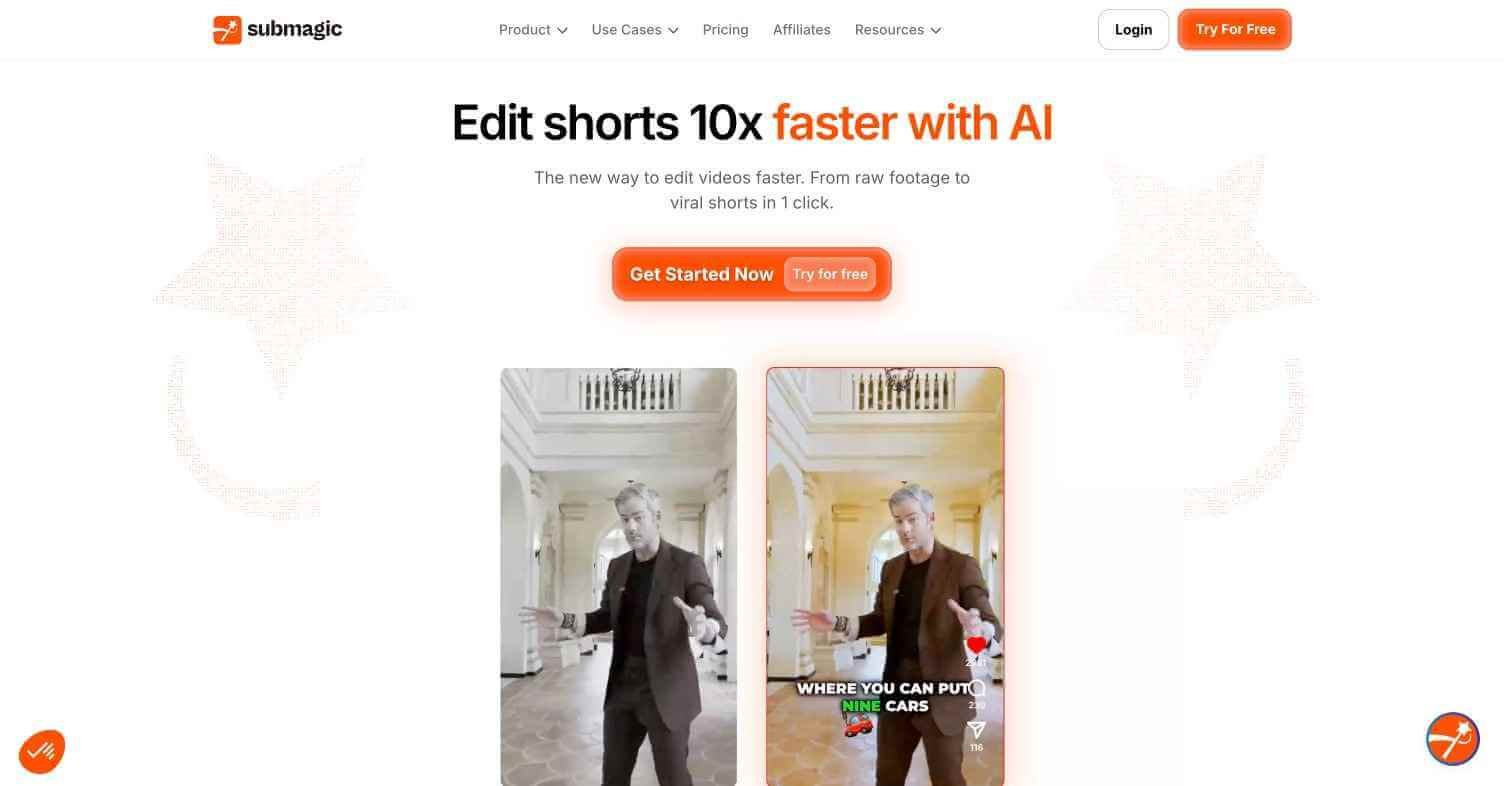
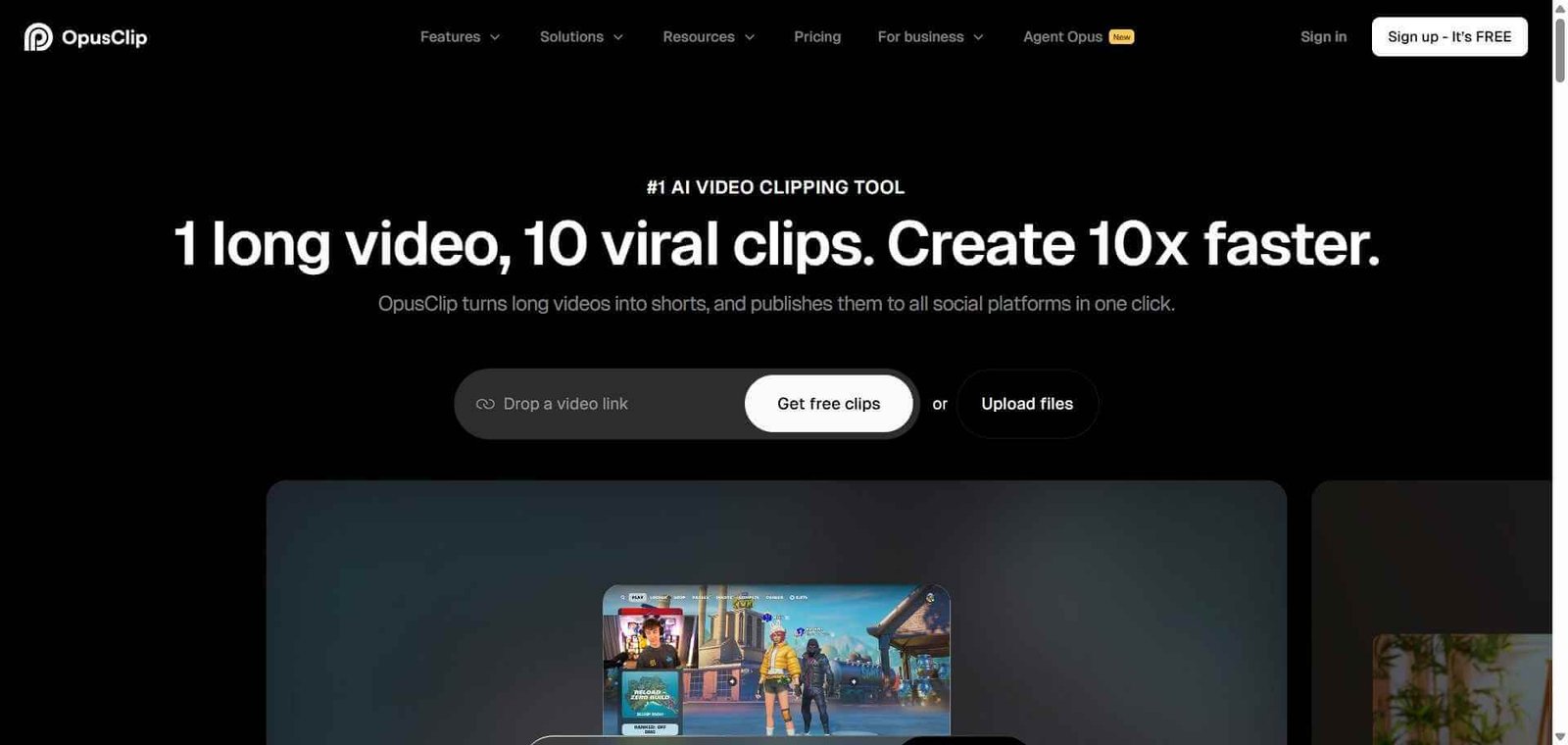
Captions are no longer optional for social video — 85% of social media videos are watched without sound. Submagic generates accurate, stylish, animated captions for short-form video in seconds, with the kind of visual styling that TikTok and Instagram creators need to hold attention. While tools like OpusClip focus on repurposing long content, Submagic focuses entirely on making short videos look professionally captioned and visually compelling.
Quick Summary
Submagic is an AI caption generator purpose-built for short-form video creators, producing accurate animated captions with trendy visual styles for TikTok, Instagram Reels, and YouTube Shorts automatically.
Is it worth using? Yes — the best-looking AI captions for short-form social video.
Who should use it? TikTok creators, Instagram Reels producers, YouTube Shorts publishers, and social media managers.
Who should avoid it? Teams primarily needing long-form video repurposing (use OpusClip) or plain subtitle files for accessibility.
Verdict Summary
Best for
Short-form content creators needing visually styled captions fast
Social media managers handling high-volume short video publishing
Creators who want trending caption aesthetics without manual design work
Not for
Long-form video repurposing workflows
Users needing plain SRT or VTT subtitle files for accessibility
Teams needing multi-speaker identification in captions
Rating ⭐⭐⭐⭐ 4.3 / 5
What Is Submagic?
Submagic is an AI caption and short-form video enhancement platform founded in 2023. It was built specifically to serve the explosion in creator-economy short-form content — TikTok, Reels, Shorts — where captioning style and visual presentation directly affect viewer retention. While most transcription tools produce plain text subtitles, Submagic produces animated captions with customisable fonts, colours, highlight effects, and emoji placement that match the aesthetic of top-performing short-form content.
Beyond captions, Submagic added AI-powered description generation, hashtag suggestions, and chapter markers to help creators publish faster across multiple platforms from a single video file.
How Submagic Works
Upload your short video — Upload your short-form video clip directly at submagic.co. Submagic supports MP4 and MOV files.
AI generates captions automatically — Submagic transcribes your video and generates word-by-word animated captions synced precisely to your speech.
Choose your caption style — Select from a library of 48+ trending caption styles — bold highlights, word-by-word pop, colour transitions, and more.
Customise fonts and colours — Adjust font, size, colour, and position to match your brand or preferred visual style.
Add emojis and descriptions — Submagic suggests and places contextually relevant emojis and adds AI-generated description text overlays.
Export and publish — Download your captioned video ready for TikTok, Instagram, YouTube Shorts, or any platform.
Key Features
Word-by-word animated captions synced to speech
48+ trending caption styles
AI-generated description and hashtag suggestions
Emoji placement based on content context
Custom font, colour, and position control
B-roll text overlay generation
Multi-language caption support for 48+ languages
Direct export in platform-optimised formats
Real-World Use Cases
TikTok content: Add trending animated captions to talking-head videos to improve retention and accessibility simultaneously.
Instagram Reels: Style captions to match brand colours and fonts across a consistent content series.
YouTube Shorts: Add captions with chapter markers to improve searchability and viewer engagement.
Agency short-form production: Process multiple client short videos with consistent caption styling across all content.
Submagic is an AI caption generator built for short-form video creators that produces animated, visually styled captions for TikTok, Instagram Reels, and YouTube Shorts automatically.
Is Submagic free?
Yes — the free plan includes 10 video exports per month. Paid plans start at $20/month with access to all 48+ caption styles.
How many caption styles does Submagic offer?
Submagic offers 48+ trending caption styles ranging from bold word highlights to colour transitions, emoji overlays, and animated pop effects.
Does Submagic support multiple languages?
Yes — Submagic supports caption generation and translation in 48+ languages.
How does Submagic compare to OpusClip?
Submagic focuses on caption styling for short-form video. OpusClip focuses on automatically extracting short clips from long-form content. They serve different but complementary workflows.
How long does Submagic take to generate captions?
Captions are typically generated within 30–60 seconds for standard short-form video lengths.
Final Recommendation
Submagic solves a real problem for short-form creators — captions that look designed rather than auto-generated. The visual styling library alone justifies the tool for any creator who publishes regularly to TikTok, Reels, or Shorts. Start with the free plan’s 10 monthly exports and compare the output against your current captioning workflow.