Kapwing Review: AI Online Video Editor That Does More Than You Expect from a Browser Tool
Browser-based video editors have historically meant compromising on capability for the sake of accessibility. Kapwing has consistently pushed that compromise in favour of capability, offering a feature set that rivals desktop software while remaining completely browser-based with no installation, no hardware requirements, and real-time collaboration built in. Its AI features — automatic subtitles, background removal, smart cropping, and content translation — add genuine time savings on top of a solid editing foundation that handles most creator and team video production needs effectively.
Quick Summary
Kapwing is an AI-powered browser-based video editor that combines a solid editing feature set with AI tools for automatic subtitling, background removal, smart cropping, and content translation, with real-time collaboration built in for teams.
Is it worth using? Yes for content creators, social media managers, educators, and marketing teams who need capable video editing without desktop software installation, particularly for teams who collaborate on video production. Who should use it? Content creators, social media managers, marketing teams, educators, and anyone who creates regular video content and wants a capable editor accessible from any device without software setup. Who should avoid it? Professional video editors who need frame-level precision, advanced colour grading, and professional audio mixing that only desktop software like Premiere Pro provides.
Verdict Summary
Best for
Content creators who want capable video editing without installing desktop software on their machine
Marketing and social media teams who collaborate on video production and need real-time shared editing
Educators and trainers creating video content on school or work devices where software installation is restricted
Not for
Professional video editors needing advanced colour grading, audio mixing, and frame-level precision
Teams producing broadcast-quality content where professional desktop software is the standard
Users who prefer local file storage over cloud-based project management
Rating ⭐⭐⭐⭐ 4.3 / 5
What Is Kapwing?
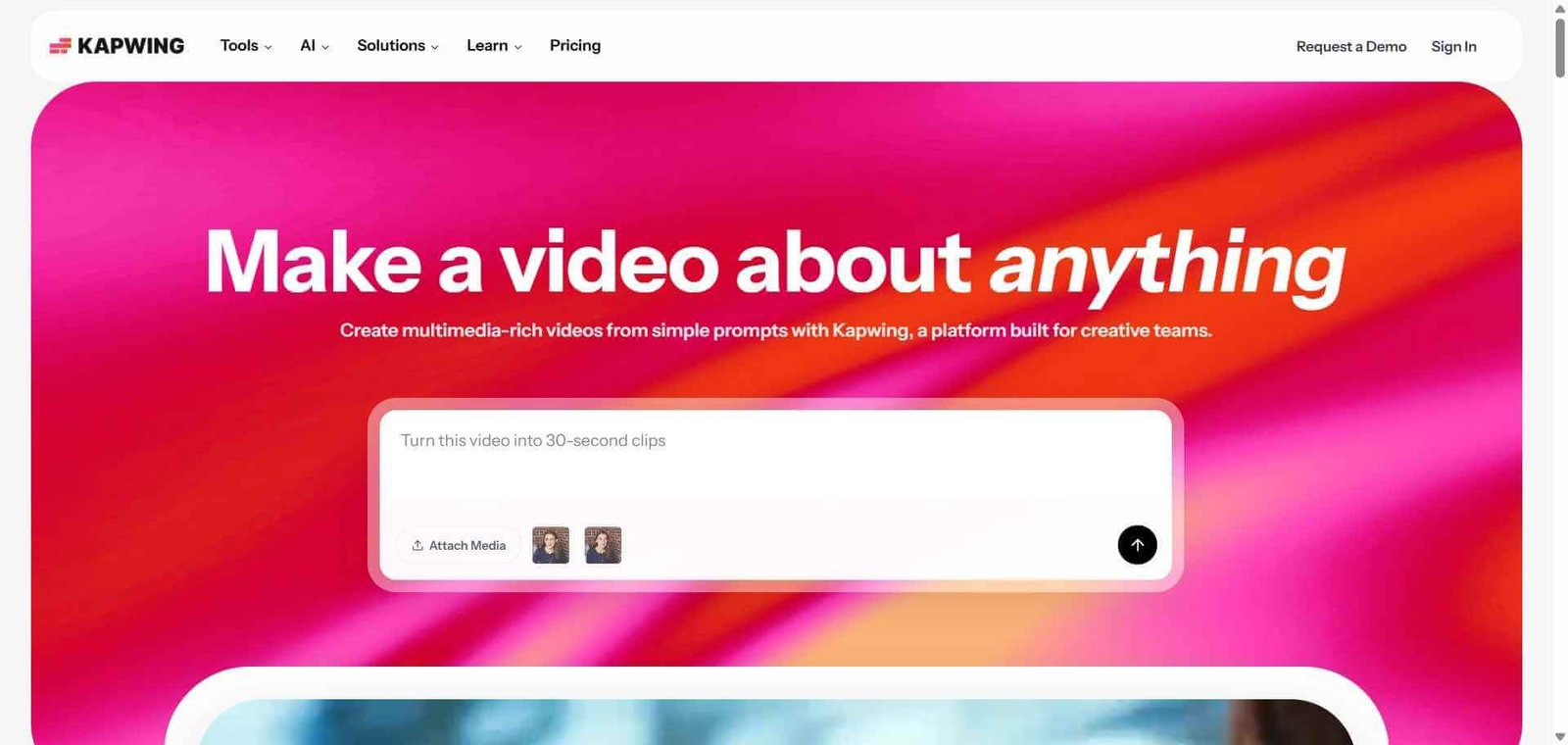
Kapwing is a browser-based video editing platform that delivers a meaningfully capable editing experience without requiring software installation. It processes video in the cloud, meaning any device with a browser can edit the same projects with the same capability, and multiple team members can work on the same project simultaneously with real-time collaboration that no desktop video editor provides natively.
Its AI feature set includes Smart Cut for automatically removing silence from videos, background removal for creating green-screen style effects without a studio, automatic subtitle generation in over 70 languages, and a resizing tool that intelligently reformats videos for different platform aspect ratios using AI to identify the most important content in the frame.
How Kapwing Works
Open your project at kapwing.com. No installation required. Upload video files directly or import from YouTube, Google Drive, or other cloud sources.
Edit in the browser timeline. Use the timeline editor to cut, trim, arrange clips, add transitions, overlay text, and insert music or sound effects with the standard editing controls.
Apply AI tools to save time. Use Smart Cut to remove silences automatically, Auto Subtitle to generate captions in your chosen language, Background Removal to isolate subjects, and Smart Resize to reformat for different platforms.
Add text, graphics, and effects. Apply animated text, emojis, stickers, filters, and overlays to your video using the asset library or upload custom brand elements.
Collaborate with your team. Share the project with teammates who can edit simultaneously. Leave comments on specific timeline moments for review and feedback.
Export and publish. Download your finished video in your chosen resolution and format, or publish directly to social platforms from within Kapwing.
Key Features
Browser-based timeline video editor with no installation required
Smart Cut automatically removing silences and filler moments from recordings
Auto Subtitle generating captions in 70 plus languages with timing sync
Background Removal isolating subjects without green screen
Smart Resize reformatting video for different platform aspect ratios using AI framing
Real-time collaboration for teams editing the same project simultaneously
Text-to-speech generating voiceovers from written scripts
Content translation converting subtitles between languages automatically
Real-World Use Cases
Social media content production: Edit, caption, and reformat a raw talking head video into platform-specific versions for TikTok, Instagram, YouTube, and LinkedIn from a single browser session.
Educational video creation: Teachers and trainers create and caption instructional videos on school or work devices where desktop software installation is not permitted.
Marketing team collaboration: A distributed marketing team edits a promotional video together in real time with different members handling graphics, subtitles, and trim editing simultaneously.
Content repurposing: Use Smart Resize to automatically reformat a landscape YouTube video into vertical clips for Instagram and TikTok without manual cropping decisions.
No installation needed — works on any device with a browser
Export speed slower than desktop software on large files
Real-time team collaboration genuinely useful for distributed teams
Advanced colour grading and audio mixing not available
Smart Cut saves significant editing time on talking head content
Free plan adds watermark to exports
Auto Subtitle accuracy strong across supported languages
Cloud storage limits on lower plan tiers
Smart Resize saves manual reformatting work across platforms
Less precise frame-level editing than professional desktop tools
Pricing & Plans
ree — $0/month
Export with watermark
250MB storage
Core editing features
Basic AI tools
Pro — $16/month
No watermark
50GB storage
Full AI feature suite
4K export
Commercial use rights
Business — $50/month
All Pro features
200GB storage
Team collaboration features
Priority support
Advanced brand kit
Best Alternatives & Comparisons
Submagic — Better for short-form caption styling and animated subtitle quality, less full editing capability
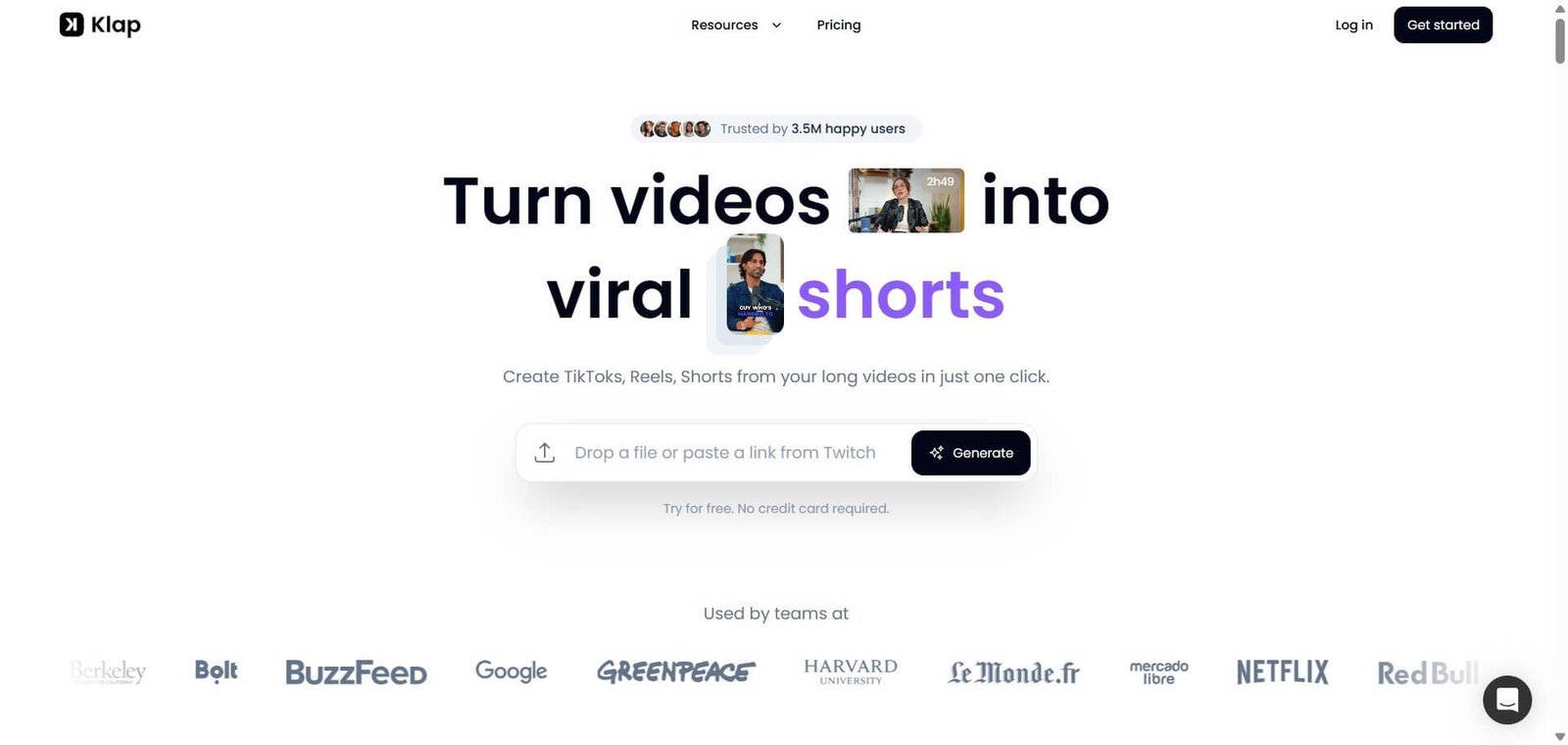
Opus Pro — Better for automated long-form to short-form clip extraction, less general editing functionality
Captions AI — Better for mobile-first creator workflows, Kapwing is better for browser-based team production
Riverside FM — Better for the recording phase, Kapwing handles editing after recording
Frequently Asked Questions (FAQ)
What is Kapwing?
Kapwing is an AI-powered browser-based video editor with timeline editing, automatic subtitles, background removal, smart cropping, and real-time team collaboration — all accessible without installing software.
Is Kapwing free?
Yes, Kapwing offers a free plan with watermarked exports and 250MB storage. The Pro plan at $16/month removes the watermark, adds 50GB storage, and unlocks the full AI feature suite.
Does Kapwing require software installation?
No, Kapwing runs entirely in the browser with no installation, plugin, or download required. It works on any device with a modern web browser.
How accurate is Kapwing's automatic subtitle generation?
Kapwing’s auto subtitle feature produces strong accuracy for clear speech in English and performs well across its 70 plus supported languages, though accuracy varies with accents and audio quality as with all AI transcription tools.
Can multiple people edit the same Kapwing project simultaneously?
Yes, Kapwing supports real-time collaborative editing where multiple team members can work on the same project simultaneously, with commenting features for review and feedback directly on the timeline.
How does Kapwing compare to Submagic?
Kapwing is a full browser-based video editor with timeline editing, team collaboration, and AI tools across the production workflow. Submagic is specifically focused on adding high-quality animated captions to short-form video. Kapwing offers more complete editing capability; Submagic produces higher quality caption aesthetics for short-form content.
Final Recommendation
Kapwing has matured into a genuinely capable video production tool that earns serious consideration for any creator or team whose workflow does not require professional desktop software. The browser-based accessibility, real-time collaboration, and AI tools like Smart Cut and Auto Subtitle address real workflow problems efficiently. The Pro plan at $16/month is straightforwardly priced for the capability it delivers. If you create video regularly and have not tried a modern browser-based editor recently, Kapwing is worth testing.