Railway Review: The Deployment Platform That Makes Infrastructure Accessible to Every Developer
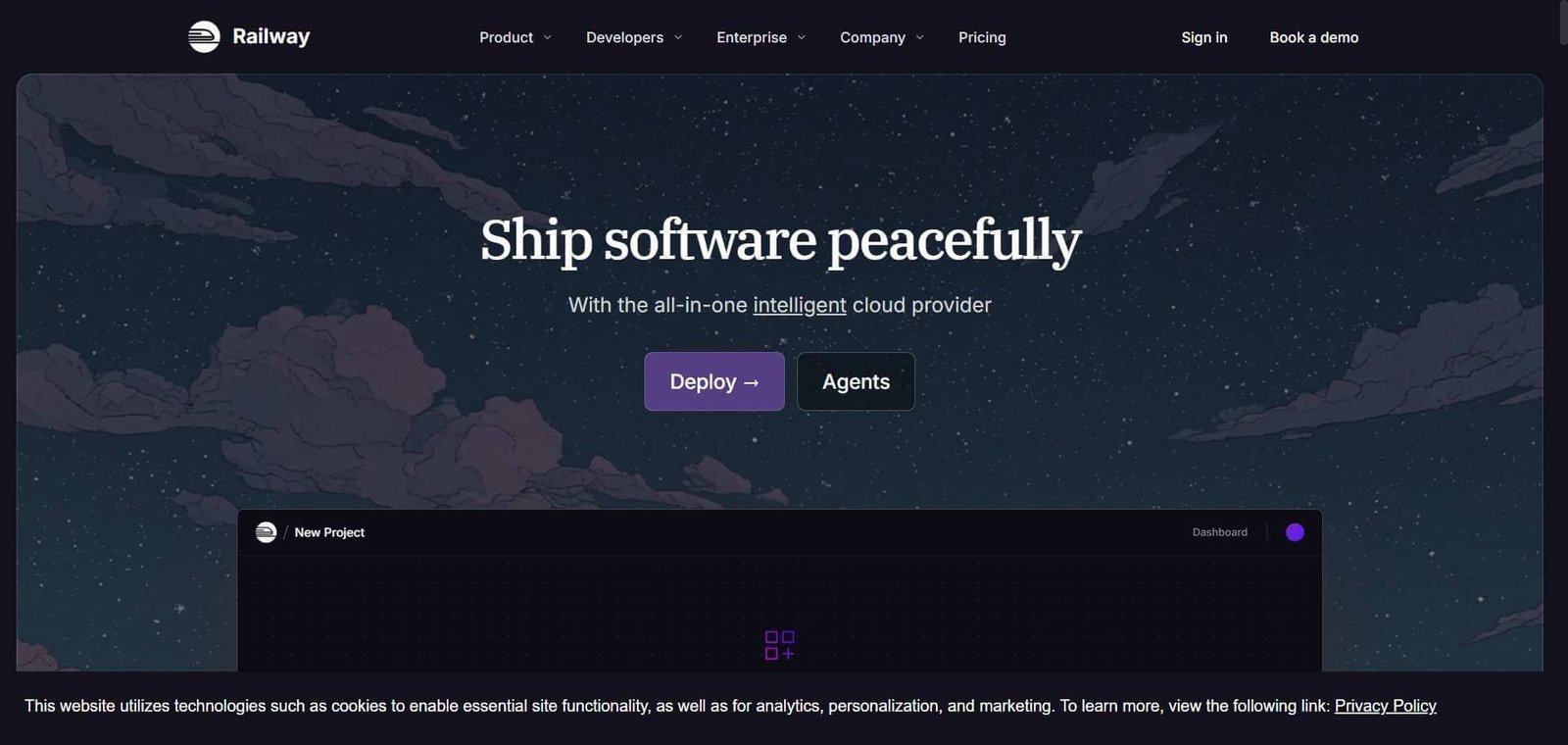
Heroku made cloud deployment accessible in 2007 and became the default platform for developers who wanted to ship applications without managing servers. When Salesforce acquired Heroku and the product stagnated, a gap opened for a modern alternative that matched the simplicity Heroku provided while supporting the deployment patterns modern applications require. Railway fills that gap — connecting to a GitHub repository, detecting the project type, configuring the deployment automatically, and providing a running application in minutes with databases, environment variables, and networking configured through a clean interface rather than configuration files.
Quick Summary
Railway is a developer-friendly cloud deployment platform for deploying web applications, APIs, databases, and background workers from GitHub repositories with automatic detection, environment configuration, and database provisioning — without requiring DevOps expertise.
Is it worth using? Yes for developers and small engineering teams who want to deploy applications and databases quickly without the complexity of AWS, GCP, or managing their own infrastructure. Who should use it? Individual developers, indie hackers, and small engineering teams who want a simple, fast path from code to deployed application without cloud provider complexity or DevOps overhead. Who should avoid it? Large enterprises with complex compliance and infrastructure requirements where AWS or GCP’s control and compliance certifications are necessary.
Verdict Summary
Best for
Individual developers and indie hackers who want to deploy full-stack applications including databases without AWS configuration complexity
Small engineering teams who want staging and production environments without a dedicated DevOps function
Developers who used Heroku and want a modern equivalent that supports current deployment patterns
Not for
Enterprise teams with complex compliance requirements who need AWS or Azure certifications and control
Applications with very high traffic requiring the most granular infrastructure control
Teams whose deployment complexity requires Kubernetes-level orchestration
Rating ⭐⭐⭐⭐ 4.4 / 5
What Is Railway?
Railway is a cloud infrastructure platform that simplifies the deployment of web applications, APIs, workers, and databases into a single coherent interface. Its project model groups related services together — a web application, its PostgreSQL database, a Redis cache, and a background worker — into one Railway project where all services share environment variables and networking automatically, without manual configuration linking them together.
Deployment works by connecting a GitHub repository. Railway detects the project type — Node.js, Python, Ruby, Go, and others — and configures the build and run commands automatically. Environment variables are managed through the Railway dashboard and injected at runtime. Database provisioning adds a PostgreSQL, MySQL, MongoDB, or Redis instance with a single click and automatically provides the connection string as an environment variable to connected services.
How Railway Works
Connect your GitHub repository. Link Railway to your GitHub account and select the repository you want to deploy. Railway reads the repository, detects the project type, and configures the build settings automatically.
Deploy your first service. Railway builds and deploys your application, providing a Railway-generated public URL immediately. The deployment runs on each push to your connected branch.
Add a database. Click to add a PostgreSQL, MySQL, MongoDB, or Redis database to your project. Railway provisions it instantly and injects the connection string as an environment variable into your application service.
Configure environment variables. Add environment variables through the Railway dashboard. They are available to all services in the project without additional configuration.
Set up custom domains. Add your custom domain to Railway and configure DNS. Railway handles SSL certificate provisioning automatically.
Monitor your services. View deployment logs, resource usage, and build history for each service in the Railway dashboard.
Key Features
GitHub integration with automatic project type detection and build configuration
One-click database provisioning for PostgreSQL, MySQL, MongoDB, and Redis
Project-based service grouping with shared networking and environment variables
Automatic SSL certificate provisioning for custom domains
Deployment logs and resource monitoring per service
Preview environments for pull requests
Private networking between services within a project
CLI for deployment management from the terminal
Usage-based pricing with no minimum commitment
Real-World Use Cases
Full-stack application deployment: A developer deploys their Next.js frontend, Node.js API, and PostgreSQL database as three services in one Railway project — all connected automatically, with environment variables shared and databases accessible by name without configuration.
Heroku migration: A development team migrates their Heroku-hosted application to Railway, retaining the same simple deployment workflow while gaining better performance, more modern infrastructure, and lower cost for equivalent resources.
Side project hosting: An indie developer hosts multiple side projects on Railway, using the free tier for low-traffic projects and paying only for the resources consumed by active applications.
Staging environment: A startup uses Railway to maintain a staging environment that mirrors production, with each pull request automatically creating a preview deployment for testing before merging.
Fastest path from GitHub repository to deployed application with database
Less control than AWS or GCP for complex infrastructure requirements
One-click database provisioning removes separate database setup overhead
Not suitable for enterprise compliance requirements needing AWS certifications
Project model groups services naturally without complex networking setup
Usage-based pricing can be hard to predict for variable traffic
Modern Heroku alternative with better performance and pricing
Less mature ecosystem than established cloud providers
Preview deployments for pull requests improve team development workflow
Limited geographic regions compared to major cloud providers
Pricing & Plans
Free Trial — $5 credit
All features
Usage-based billing
Community support
Hobby — $5/month
$5 included usage credit
All features
Email support
Pro — $20/month per seat
$20 included usage credit per seat
Team features
Priority support
Higher resource limits
Enterprise — Custom pricing
Custom resource allocation
Dedicated infrastructure
SLA guarantees
Additional usage beyond included credits billed at $0.000463/GB-hour for memory and $0.000463/vCPU-hour for compute.
Best Alternatives & Comparisons
Render — Similar simple deployment platform with comparable features and pricing, both are strong choices
Fly.io — Better for teams needing more geographic distribution and container-level control
Vercel — Better for frontend and Next.js deployment specifically with global CDN
Heroku — Similar deployment simplicity with longer track record, higher pricing and less development investment
Frequently Asked Questions (FAQ)
What is Railway?
Railway is a developer-friendly cloud deployment platform for deploying web applications, APIs, databases, and background workers from GitHub repositories without DevOps expertise.
Is Railway free?
Railway provides $5 in trial credits to start. The Hobby plan at $5/month includes $5 of usage credit. Resources beyond included credits are billed by usage.
How does Railway compare to Heroku?
Railway provides comparable deployment simplicity to Heroku’s classic experience with more modern infrastructure, better performance, and lower pricing. Railway is widely considered the best modern Heroku alternative for developers who valued Heroku’s simplicity.
Can Railway host databases?
Yes, Railway can provision PostgreSQL, MySQL, MongoDB, and Redis databases as services within a project, with connection strings automatically injected into connected application services as environment variables.
Does Railway support custom domains?
Yes, Railway supports custom domain configuration with automatic SSL certificate provisioning. You add your domain in the Railway dashboard and configure DNS — Railway handles certificate management automatically.
How does Railway pricing work?
Railway charges based on actual resource consumption — compute time and memory used — rather than a fixed server size. The Hobby plan includes $5 of monthly usage credit. Most small applications and side projects run within the $5 monthly credit.
Final Recommendation
Railway is the best modern alternative to Heroku for developers who want to deploy applications without cloud provider complexity. The combination of GitHub integration, automatic project type detection, one-click database provisioning, and project-based service grouping creates a deployment experience that removes the overhead between writing code and shipping it to production. For individual developers, indie hackers, and small teams who need a complete deployment solution without a DevOps function, Railway provides more value per dollar than any comparable platform.