Render Review: The Cloud Platform That Covered Everything Heroku Left Behind
When Heroku removed its free tier in 2022, millions of developers needed an alternative that matched Heroku’s deployment simplicity without the monthly cost. Render emerged as the most complete answer — matching Heroku’s Git-based deployment workflow while adding free tier services, managed PostgreSQL databases, static site hosting, cron jobs, and private networking that Heroku’s classic offering never provided. For teams who want a complete deployment platform covering every service type a modern application requires, Render provides more coverage than Railway with a free tier that genuinely covers development and small-scale production use.
Quick Summary
Render is a cloud hosting platform for deploying web services, background workers, cron jobs, static sites, and managed PostgreSQL databases from Git with automatic builds and a free tier covering all service types.
Is it worth using? Yes for developers and teams who want a complete cloud hosting platform with free tiers across all service types, covering everything from static sites to databases without managing servers. Who should use it? Developers, startups, and small engineering teams who want free hosting for side projects alongside paid production deployments, with consistent deployment workflow across every service type they need. Who should avoid it? Teams with high-traffic applications who find Render’s cold start times on free tier services frustrating, or enterprises needing the most granular infrastructure control.
Verdict Summary
Best for
Developers hosting multiple projects who want free tier services across web apps, static sites, cron jobs, and databases without paying for idle resources
Startups who want a consistent Git-based deployment workflow for every service type — frontend, backend, workers, databases — without managing separate platforms
Teams migrating from Heroku who want the closest experience match with better pricing and more service types
Not for
Applications with very high concurrent traffic where Render’s infrastructure may not match AWS scalability
Teams who need the free tier without cold start delays, where Vercel’s frontend deployment is more appropriate
Enterprise teams with compliance requirements that necessitate dedicated infrastructure and certifications
Rating ⭐⭐⭐⭐ 4.3 / 5
What Is Render?
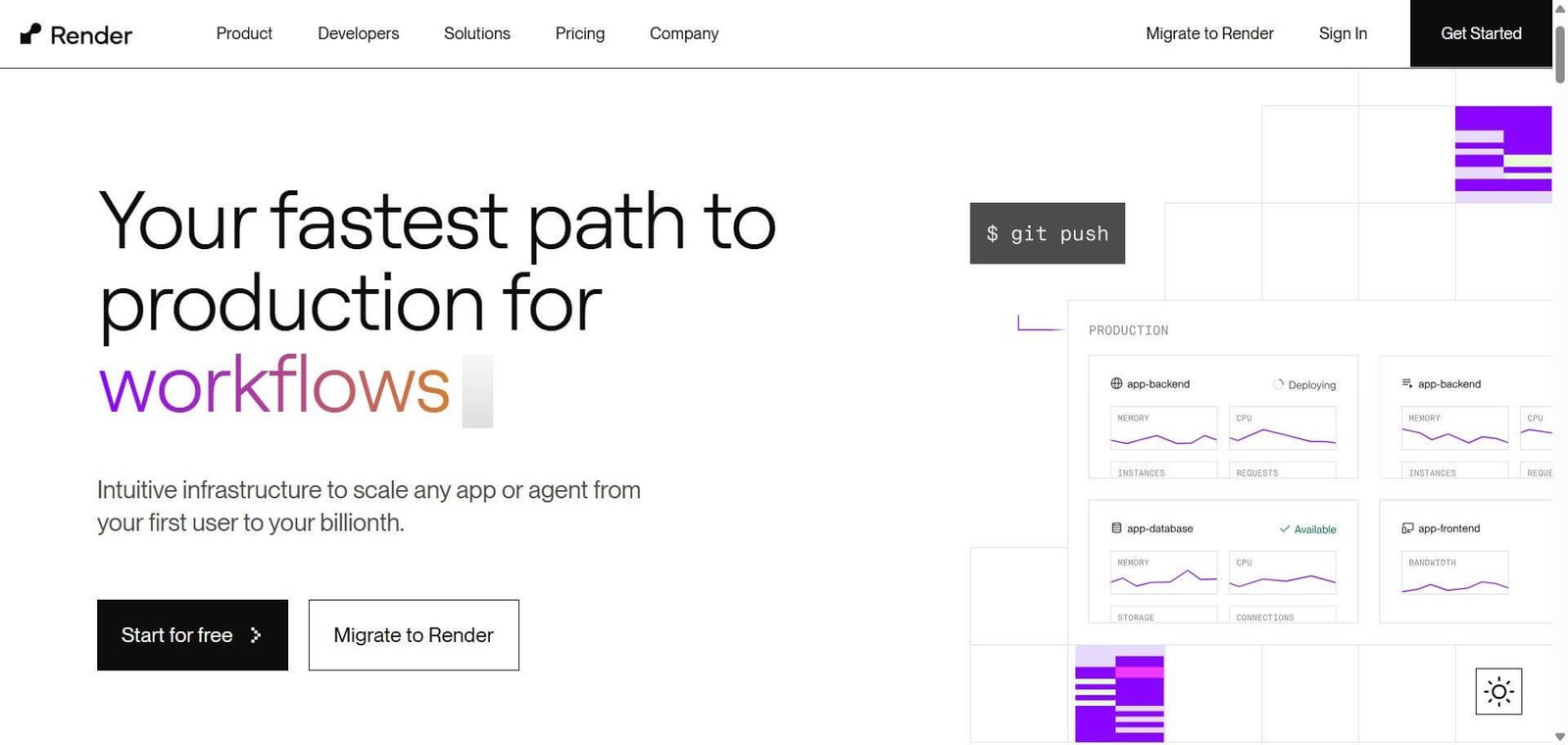
Render is a unified cloud platform that handles every deployment type a modern application stack requires — web services for backend APIs and full-stack apps, static sites for frontend deployments, background workers for async processing, cron jobs for scheduled tasks, and managed PostgreSQL databases for data persistence — all deployed from Git with automatic builds on every push and consistently priced across service types.
Its free tier is genuinely broader than comparable platforms, covering web services (with cold starts), static sites (without cold starts), and PostgreSQL databases — enabling complete application hosting at no cost for development, staging, and low-traffic production use cases.
How Render Works
Connect your Git repository. Link Render to GitHub or GitLab and select your repository. Render detects the project type and suggests build and start commands.
Choose your service type. Select Web Service for APIs and full-stack apps, Static Site for frontend deployments, Background Worker for async processing, Cron Job for scheduled tasks, or PostgreSQL for a managed database.
Configure build settings. Confirm or adjust the build command, start command, and root directory. Add environment variables through the Render dashboard.
Deploy automatically. Render builds and deploys your service. Every push to the connected branch triggers a new build and zero-downtime deployment.
Add infrastructure services. Provision managed PostgreSQL databases, Redis instances, and connect them to web services through internal URLs with automatic DNS resolution.
Monitor and scale. View deployment logs, metrics, and resource usage from the Render dashboard. Scale up instance sizes or add instances when traffic requires.
Key Features
Web services for APIs and full-stack applications with automatic Git deployment
Static sites with global CDN for frontend deployments
Background workers for async task processing
Cron jobs for scheduled task execution
Managed PostgreSQL databases with automated backups
Private networking between services using internal DNS
Pull request preview environments for testing before merging
Zero-downtime deployments with automatic rollback on failure
Custom domains with automatic SSL certificate management
Real-World Use Cases
Full-stack application: A developer deploys their Express API as a Render web service, their React frontend as a static site, and their PostgreSQL database as a managed Render database — all connected through Render’s internal networking with environment variables linking them.
Heroku migration: A startup migrates their Heroku-hosted application stack to Render, maintaining the Git-based deployment workflow while reducing monthly costs and gaining additional service types like cron jobs.
Scheduled data processing: A data team deploys a Python script as a Render cron job that runs nightly to process new data, archive reports, and send summary emails — without managing server scheduling infrastructure.
Preview deployments: A development team enables pull request previews on Render, giving every code review a live environment for testing changes without manual deployment, speeding up the review cycle.
Scaling to very high traffic requires migration planning
Pricing & Plans
Free — $0/month
Web services (with cold starts after 15 min inactivity)
Static sites (no cold starts, global CDN)
PostgreSQL (90 days retention, 256MB storage)
Cron jobs
Individual — From $7/month per service
No cold starts on web services
Persistent disk
Email support
Team — From $7/month per service + team features
All Individual features
Team access management
Priority support
Enterprise — Custom pricing
Dedicated resources
SLA guarantees
Custom support
Best Alternatives & Comparisons
Railway — Similar simple deployment platform with usage-based pricing rather than per-service pricing, comparable feature set
Fly.io — Better for container-based deployments with more geographic distribution and lower latency globally
Vercel — Better for frontend and Next.js specifically with best-in-class global CDN performance
Heroku — Similar deployment simplicity with longer track record but higher pricing and no free tier since 2022
Frequently Asked Questions (FAQ)
What is Render?
Render is a cloud hosting platform for deploying web services, static sites, background workers, cron jobs, and managed PostgreSQL databases from Git with automatic builds and a free tier covering all service types.
Is Render free?
Yes, Render offers a free tier for web services (with cold starts), static sites (without cold starts), and PostgreSQL databases. Paid plans start at $7/month per service for always-on web services without cold starts.
What is a cold start on Render free tier?
Web services on Render’s free tier are suspended after 15 minutes of inactivity and take up to 50 seconds to restart when a new request arrives. Paid plans keep services always on without cold starts.
Does Render support databases?
Yes, Render provides managed PostgreSQL databases with automated backups. The free plan includes a database with 256 MB storage and 90-day retention. Paid plans provide larger storage and longer retention.
How does Render compare to Railway?
Both are simple Git-based deployment platforms. Render has a broader free tier covering more service types and a more complete managed database offering. Railway has usage-based pricing that can be more economical for variable traffic and a slightly cleaner interface. Both are strong Heroku alternatives — the choice often comes down to pricing model preference.
Can Render deploy frontend applications?
Yes, Render’s Static Site service deploys frontend applications to a global CDN with automatic builds on every Git push — no cold starts, fast global delivery, and free tier available.
Final Recommendation
Render is the most complete free-tier cloud platform available for developers who need to host a full application stack without paying for idle resources. The combination of free web services, static site CDN, cron jobs, and managed PostgreSQL covers everything a typical application needs from a single platform with a consistent deployment workflow. The $7/month per service paid tier removes cold starts and adds production-grade reliability for services that need to be always available. For developers and small teams who want Heroku’s simplicity with more service types and better economics, Render delivers on both.