Monday AI Review: AI Work Management Platform That Adapts to How Your Team Actually Works
Most project management tools impose their workflow on you. Monday AI adapts to yours. Its highly visual, customisable board system lets each team configure their workflow — with the columns, views, and automations that match how they actually work — while still maintaining the connected visibility that lets managers see the full picture across projects. The AI layer added through Monday AI reduces setup time, automates routine updates, and generates project plans from high-level descriptions, making the platform accessible even for teams who find traditional project management tools bureaucratic.
Quick Summary
Monday AI is an AI-powered work management platform that combines visual project boards, customisable workflows, automation, and AI-powered project planning in a highly adaptable platform used by over 225,000 organisations worldwide.
Is it worth using? Yes for teams of any size that need a visual, customisable work management platform that adapts to different team workflows without forcing everyone into the same rigid structure. Who should use it? Marketing teams, operations teams, product teams, HR, agencies, and any team that manages multiple projects and workflows simultaneously and wants a visual, connected overview of all work. Who should avoid it? Software engineering teams who need code-specific project management tools like Linear, or teams whose needs are fully met by a simple task list.
Verdict Summary
Best for
Cross-functional teams managing multiple simultaneous projects who need one connected platform with different views for different team members
Marketing and creative teams who want visual kanban, timeline, and calendar views for campaign and content management
Operations and HR teams building custom workflow tools — onboarding trackers, vendor management, resource planning — on a flexible platform
Not for
Software engineering teams who need Git integration and code-specific issue tracking (Linear is more appropriate)
Individual users whose project management needs do not justify team plan pricing
Teams whose work is best managed through simple task lists rather than visual project boards
Rating ⭐⭐⭐⭐ 4.4 / 5
What Is Monday AI?
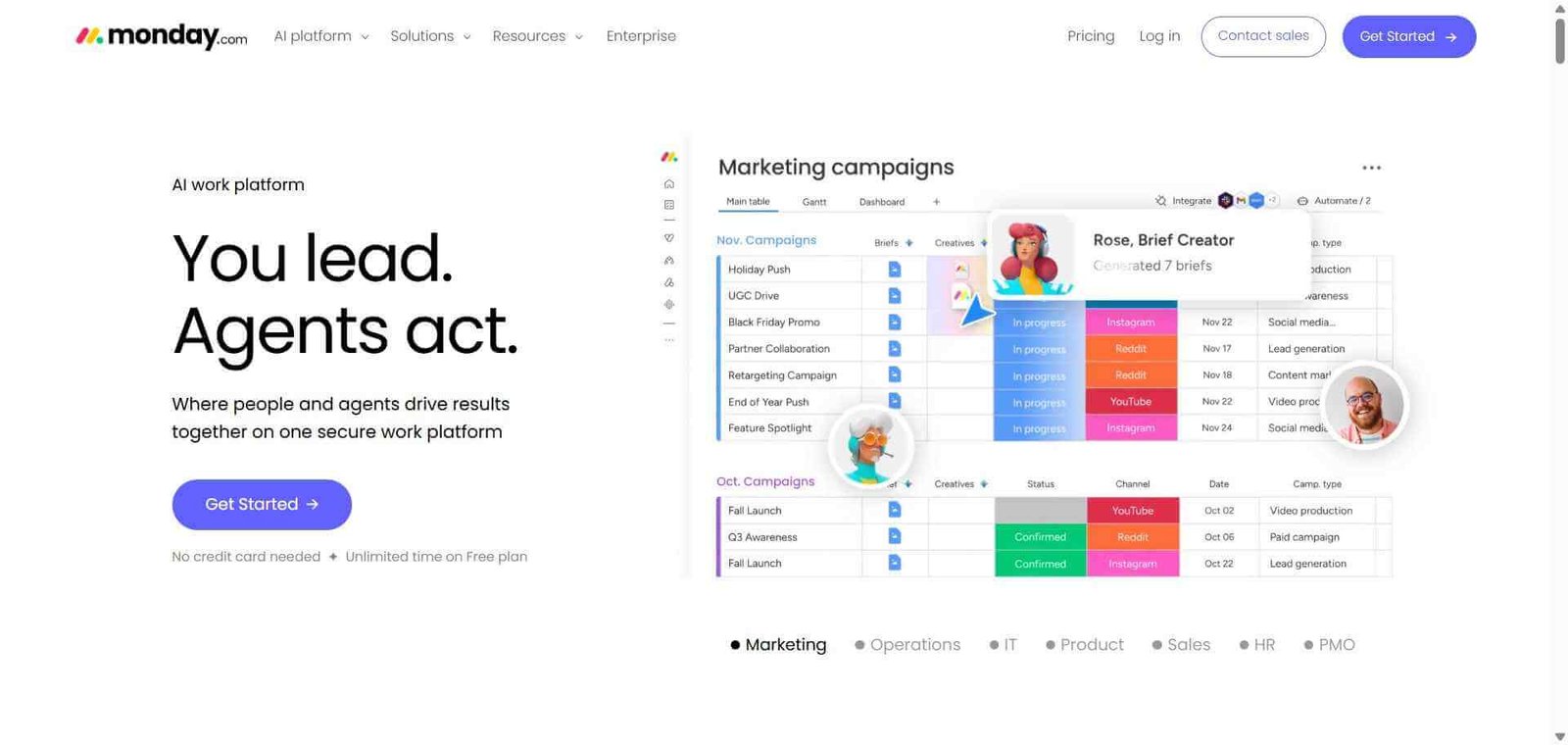
Monday AI is a work management platform that uses a visual board-based system — where each board is a customisable table of items with the columns and views relevant to that specific workflow. A marketing team’s campaign board might have columns for status, channel, owner, deadline, and budget. An HR team’s onboarding board might have columns for hire date, department, equipment, and training completion. Both work on the same platform without compromise.
The AI capabilities added to monday.com include AI project plan generation from a text description, automatic status summaries, risk detection flagging items falling behind, formula generation in natural language, and an AI assistant that helps users navigate and work within their boards without manual setup.
How Monday AI Works
Create your workspace and boards. Set up a workspace for your team and create boards for each project, workflow, or operational process. Choose from templates or build from scratch.
Customise your columns. Add the column types your workflow needs — status, person, date, number, file, dependency, formula, and more — configuring each board to match your specific process.
Add items and assign work. Create items (tasks, projects, campaigns, or whatever your board tracks), assign owners, set deadlines, and update statuses as work progresses.
Use AI to accelerate setup. Describe a new project in natural language and Monday AI generates the board structure, timeline, and task breakdown as a starting point you then refine.
Set up automations. Create trigger-based automations — notify a person when an item status changes, move an item to a different board when a deadline is reached, create a recurring task every week — without coding.
View your work your way. Switch between board, timeline, calendar, gantt, chart, map, and form views to see the same data through the lens most useful for your current task.
Key Features
Visual customisable boards adaptable to any workflow or process
Multiple view types — board, timeline, calendar, gantt, chart, and form
Monday AI for project plan generation, status summaries, and risk detection
Automation builder with 250 plus pre-built automation templates
Workdocs for collaborative documentation connected to your boards
Dashboards providing a cross-board overview of multiple projects
Integration with 200 plus tools including Slack, Jira, Salesforce, and Google Workspace
Monday Work OS supporting multiple products — Projects, CRM, Dev, and Service
Real-World Use Cases
Marketing campaign management: A marketing team tracks every campaign from brief to launch on a visual board, with timeline view for scheduling, calendar for content publishing dates, and dashboard for campaign portfolio overview.
Agency client project delivery: An agency manages deliverables for 20 clients simultaneously on separate boards, with a dashboard view combining all client projects to spot resource conflicts and deadline risks.
HR onboarding tracker: An HR team uses Monday to track every new hire’s onboarding journey with automated notifications sending the right information to the right people at each stage.
Product launch coordination: A product team coordinates launch tasks across engineering, marketing, and sales on connected boards, with dependencies ensuring critical path tasks are visible to all stakeholders.
Pricing is per seat with minimums that increase small team costs
Visual interface makes project status immediately clear
Can become complex and hard to navigate as boards multiply
Monday AI reduces setup time and surfaces risks proactively
Free plan limited to 2 seats
Multiple view types serve different team member needs
Advanced features like gantt and time tracking on higher tiers
200 plus integrations connect to existing business tools
Not optimised for software engineering workflows
Pricing & Plans
Free — $0/month
Up to 2 seats
3 boards
Unlimited docs
200 plus templates
Basic — $9/seat/month
Unlimited boards and items
5GB storage
Prioritised customer support
Standard — $12/seat/month
Timeline and gantt views
Calendar view
Automations (250 per month)
Integrations (250 per month)
Pro — $19/seat/month
Time tracking
Formula columns
Private boards
25,000 automations per month
Enterprise — Custom pricing
Enterprise security and compliance
Advanced analytics
Multi-level permissions
Dedicated support
Best Alternatives & Comparisons
Asana AI — Similar project management scope with stronger task dependency and portfolio features, different interface approach
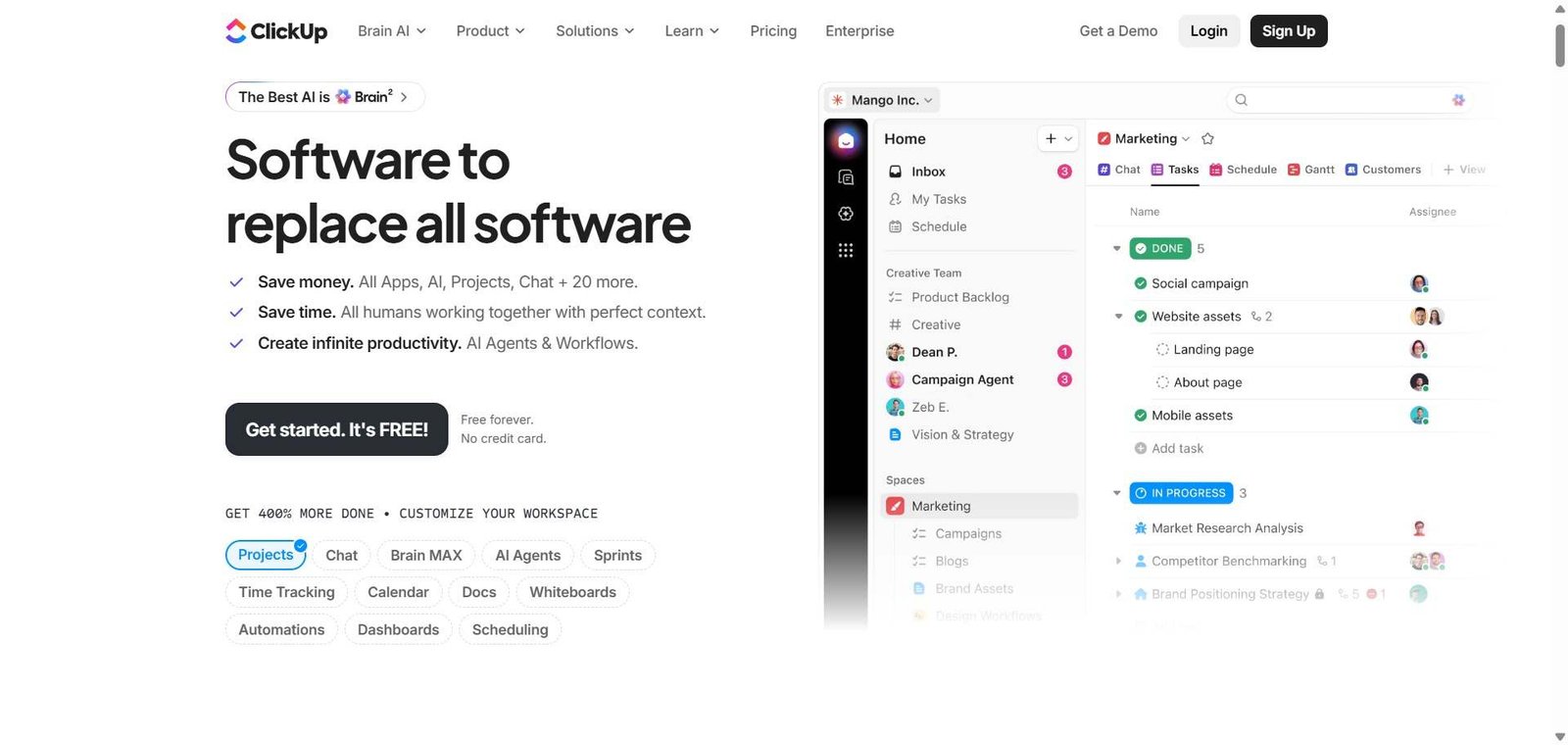
ClickUp — Better for teams needing everything in one tool — tasks, docs, goals, time tracking — at a more competitive price
Linear — Better for software engineering teams who need code-specific project management
Airtable — Better for teams building custom database-driven internal tools, less visual project management focus
Frequently Asked Questions (FAQ)
What is Monday AI?
Monday AI is an AI-powered work management platform with visual customisable project boards, multiple view types, automation, and AI project planning used by over 225,000 organisations worldwide.
Is Monday AI free?
Yes, Monday AI offers a free plan for up to 2 seats with 3 boards. Paid plans start at $9/seat/month with unlimited boards and items.
How does Monday AI generate project plans?
You describe your project in natural language and Monday AI generates a structured board with relevant columns, timeline, and task breakdown as a starting point, significantly reducing the time spent on initial project setup.
How does Monday compare to Asana?
Monday leads on visual customisation and the flexibility to adapt boards to any workflow type. Asana leads on task dependency management and portfolio-level project tracking. Both are strong — the choice often comes down to which visual approach your team finds more natural.
Does Monday AI integrate with Slack?
Yes, Monday AI integrates with Slack, allowing you to receive notifications, create items, and update statuses directly from Slack without switching to the Monday interface.
Can I use Monday AI for CRM?
Yes, Monday offers a dedicated Monday CRM product built on the same platform, covering contact management, deal tracking, and sales pipeline management with the same visual customisable board approach.
Final Recommendation
Monday AI is the most visually accessible and customisable work management platform available for teams who need a single place to plan and track work across multiple simultaneous projects. The combination of adaptable boards, multiple views, AI project planning, and broad integration support makes it one of the most versatile operational platforms for non-engineering teams. The Standard plan at $12/seat/month provides the automation and views that make Monday genuinely useful for coordinating team workflows.