Captions AI Review: AI Video Creator Built for Mobile-First Short-Form Creators
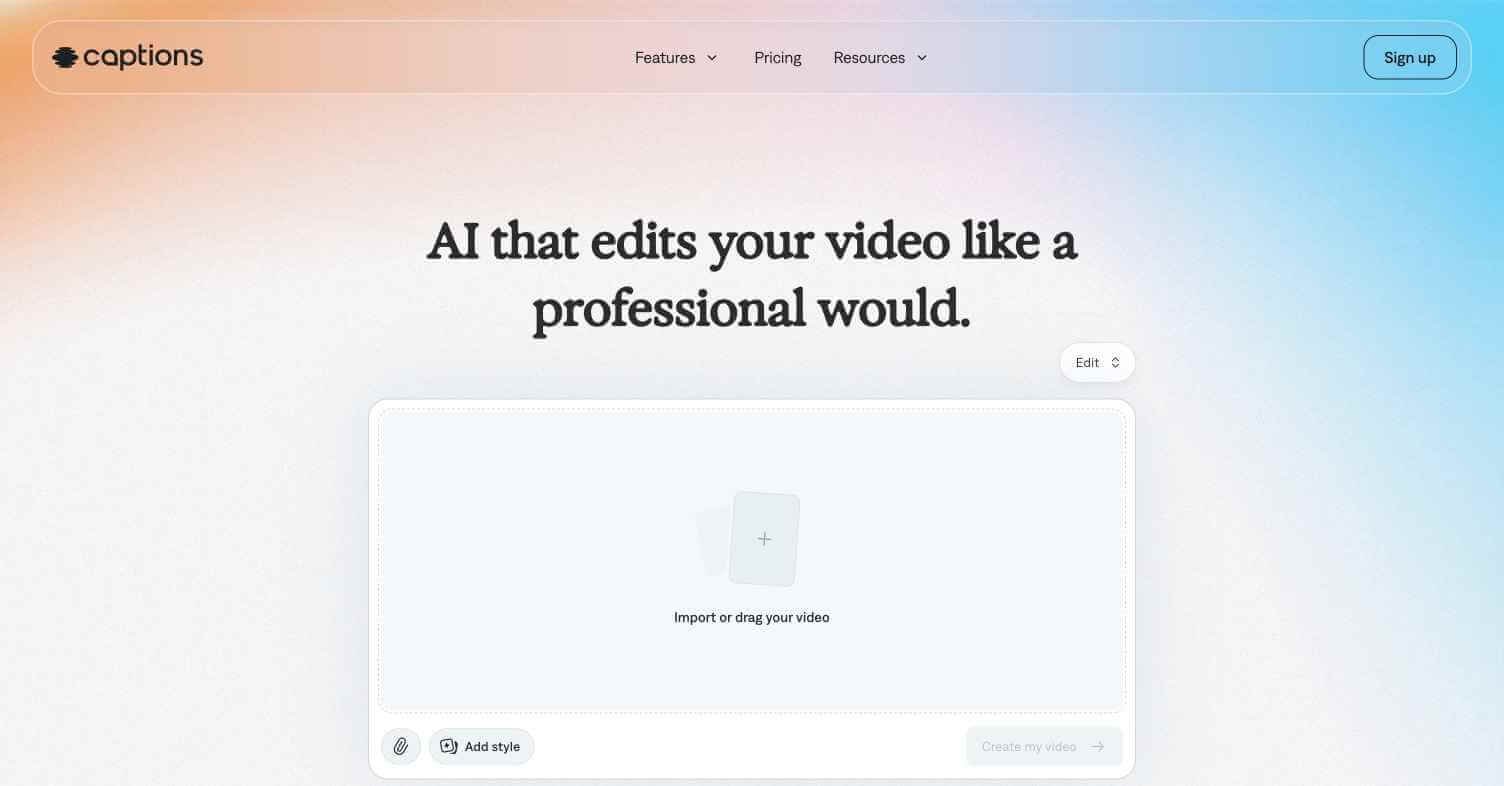
Most video creation tools were designed for desktop editors. Captions AI was built for the creator who films on their phone, edits on their phone, and publishes from their phone — and needs AI to handle the production work that would otherwise require a full editing suite. From automatic captions and eye contact correction to AI clone avatars and voice translation, Captions AI packs a professional-grade AI video production workflow into a mobile app that has been downloaded over 10 million times.
Quick Summary
Captions AI is a mobile-first AI video creation and editing app for short-form content creators, featuring automatic captions, eye contact correction, AI avatars, voice translation, and video generation tools in a single iOS and Android app.
Is it worth using? Yes — the most complete AI video production tool built specifically for mobile-first creators.
Who should use it? TikTok creators, Instagram Reels producers, YouTube Shorts publishers, and anyone producing short-form video content primarily on mobile.
Who should avoid it? Desktop-first video editors needing full professional post-production capabilities.
Verdict Summary
Best for
Mobile-first creators who film and edit entirely on their phone
Creators wanting automatic captions with professional styling
Content builders needing AI avatar and voice translation for multilingual reach
Not for
Desktop video editors needing professional-grade post-production
Teams needing long-form video editing capabilities
Users who prefer browser-based tools to mobile apps
Rating ⭐⭐⭐⭐ 4.4 / 5
What Is Captions AI?
Captions AI is an AI video creation and editing platform founded in 2021 and available as an iOS and Android app. It has been downloaded over 10 million times and is used by creators across TikTok, Instagram, and YouTube to produce professional-looking short-form content directly from their mobile device. Its flagship features — AI-powered eye contact correction and automatic styled captions — became viral among creators in 2023 and drove significant organic growth.
The platform has since expanded into AI avatar creation, voice translation for multi-language publishing, and an AI video generator for creating short clips from text prompts — making it one of the most feature-rich mobile creator tools available.
How Captions AI Works
Download the app — Available free on iOS and Android at captions.ai.
Record or import your video — Film directly in the app or import existing footage from your camera roll.
AI processes your video — Captions AI automatically transcribes speech, corrects eye contact, removes filler words, and applies styled captions without manual editing.
Customise your captions — Choose from caption styles, fonts, colours, and animation options to match your content aesthetic.
Apply AI enhancements — Use eye contact correction, background removal, auto-crop for vertical format, and filler word removal.
Export and publish — Export directly to TikTok, Instagram, YouTube Shorts, or your camera roll.
Key Features
Automatic AI caption generation with animated styling
Eye contact correction — makes you appear to look directly at the camera
AI Avatar — create an avatar that speaks your script without filming yourself
Voice translation — translate your video’s voice into multiple languages with lip sync
Filler word removal — automatically removes ums, ahs, and pauses
Background removal and virtual backgrounds
AI video generation from text prompts
Direct publishing to TikTok, Instagram, and YouTube
Real-World Use Cases
Talking head content: Add professional styled captions and eye contact correction to any talking head video filmed on mobile.
Multilingual distribution: Translate a video into 5 languages with matching lip sync and publish across different regional audiences.
Faceless content: Use the AI avatar feature to produce on-camera content without actually appearing on camera.
Podcast clips: Turn audio-only podcast clips into captioned vertical video content for social media automatically.
Some AI features require practice to use effectively
Pricing & Plans
Free — $0/month
Limited video exports per month
Basic caption styles
Standard AI processing
Pro — $29.99/month
Unlimited exports
All caption styles
Eye contact correction
AI Avatar access
Voice translation
Teams — Custom pricing
All Pro features
Multiple seats
Priority processing
Dedicated support
Best Alternatives & Comparisons
Submagic — Better for desktop caption styling with more visual style options, not mobile-first
OpusClip — Better for repurposing long-form content into short clips, not mobile-native
HeyGen — Better for professional avatar video on desktop and business use cases
CapCut AI — Similar mobile video editor with broader editing features, less AI automation
Frequently Asked Questions (FAQ)
What is Captions AI?
Captions AI is a mobile AI video creation and editing app for short-form content creators, featuring automatic captions, eye contact correction, AI avatars, and voice translation for iOS and Android.
Is Captions AI free?
Yes — a free plan with limited monthly exports is available. The Pro plan at $29.99/month provides unlimited exports and full access to all AI features.
What is eye contact correction in Captions AI?
Eye contact correction is an AI feature that digitally adjusts your gaze in a video to appear as though you are looking directly at the camera, even if you were looking at notes or a script while recording.
Does Captions AI work on Android?
Yes — Captions AI is available on both iOS and Android as a free download with optional paid plan.
Can Captions AI translate my videos?
Yes — the voice translation feature translates your video’s audio into multiple languages with AI-generated voice and matching lip sync.
How does Captions AI compare to Submagic?
Captions AI is a mobile-first all-in-one creator tool with eye contact correction and AI avatars. Submagic is a desktop-focused caption styling tool with a larger visual style library. Choose based on whether your workflow is mobile or desktop.
Final Recommendation
Captions AI is the most complete AI video production tool available for mobile-first creators. The eye contact correction alone — previously available only in expensive professional software — makes it worth downloading immediately for any creator who films themselves. The free plan provides enough access to test the core features. For creators who publish regularly on short-form platforms, the Pro plan covers every production need in a single $29.99/month app.